List the ports you need
Use the exact product listing to compare the intended task, fitting and included components. Product capabilities are specific to the chosen model.
$39.95
Free standard US shipping
Contiguous 48 states & DC · 4–7 business days total
30-day returns
Merchant-paid return shipping. Read the policy
Questions about this item? [email protected]
Product brand: Plugable
The details
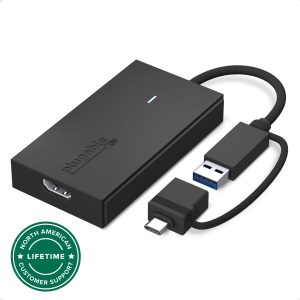
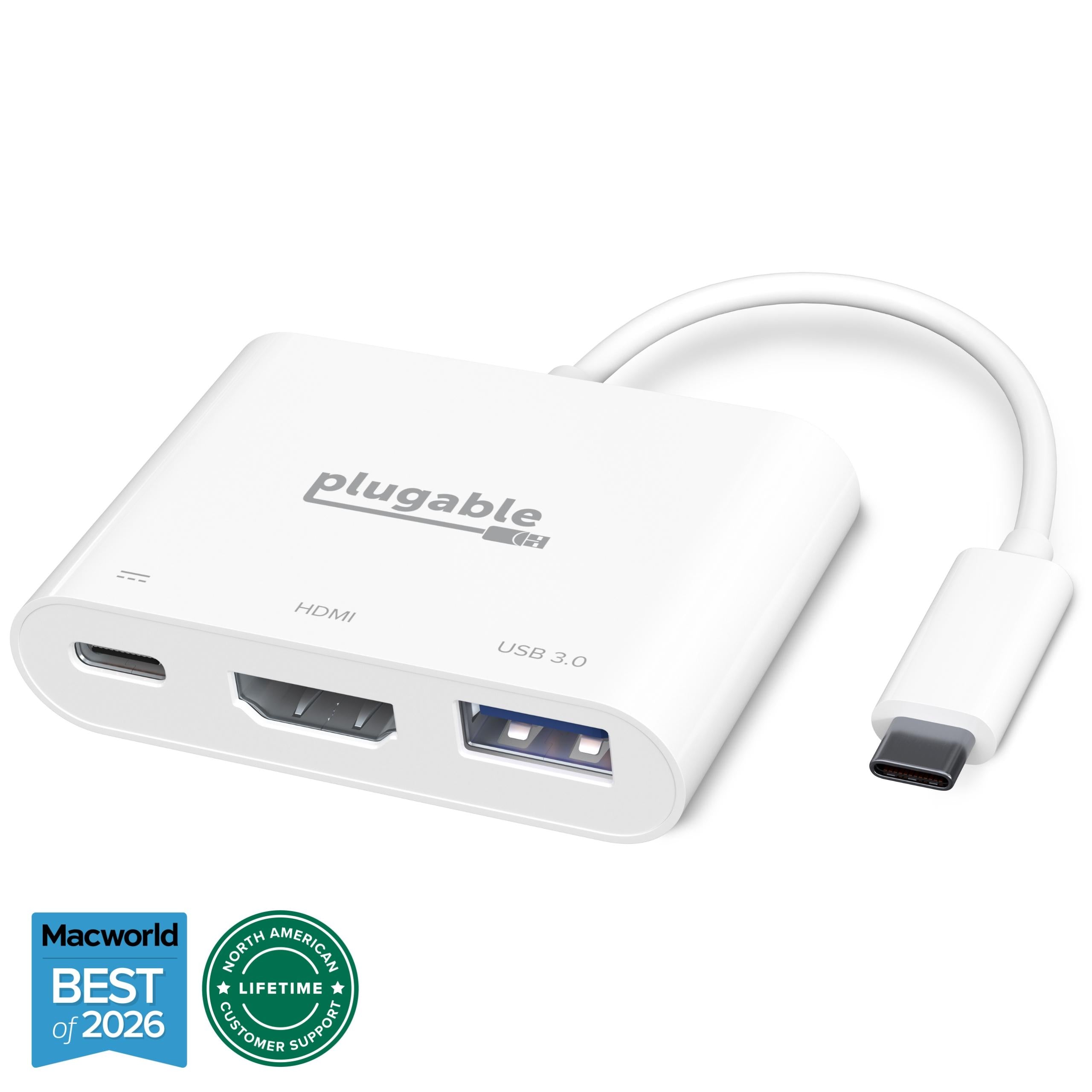
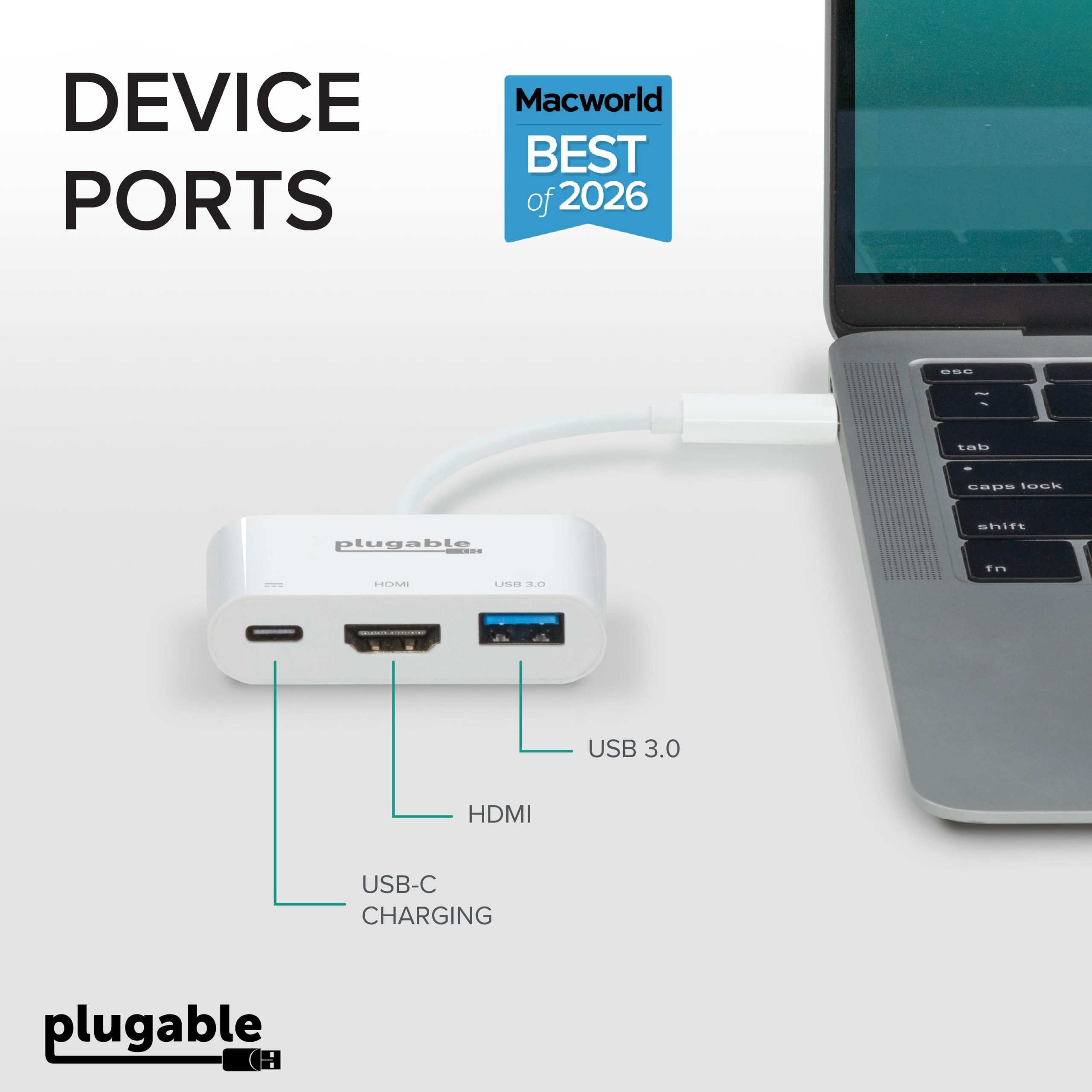
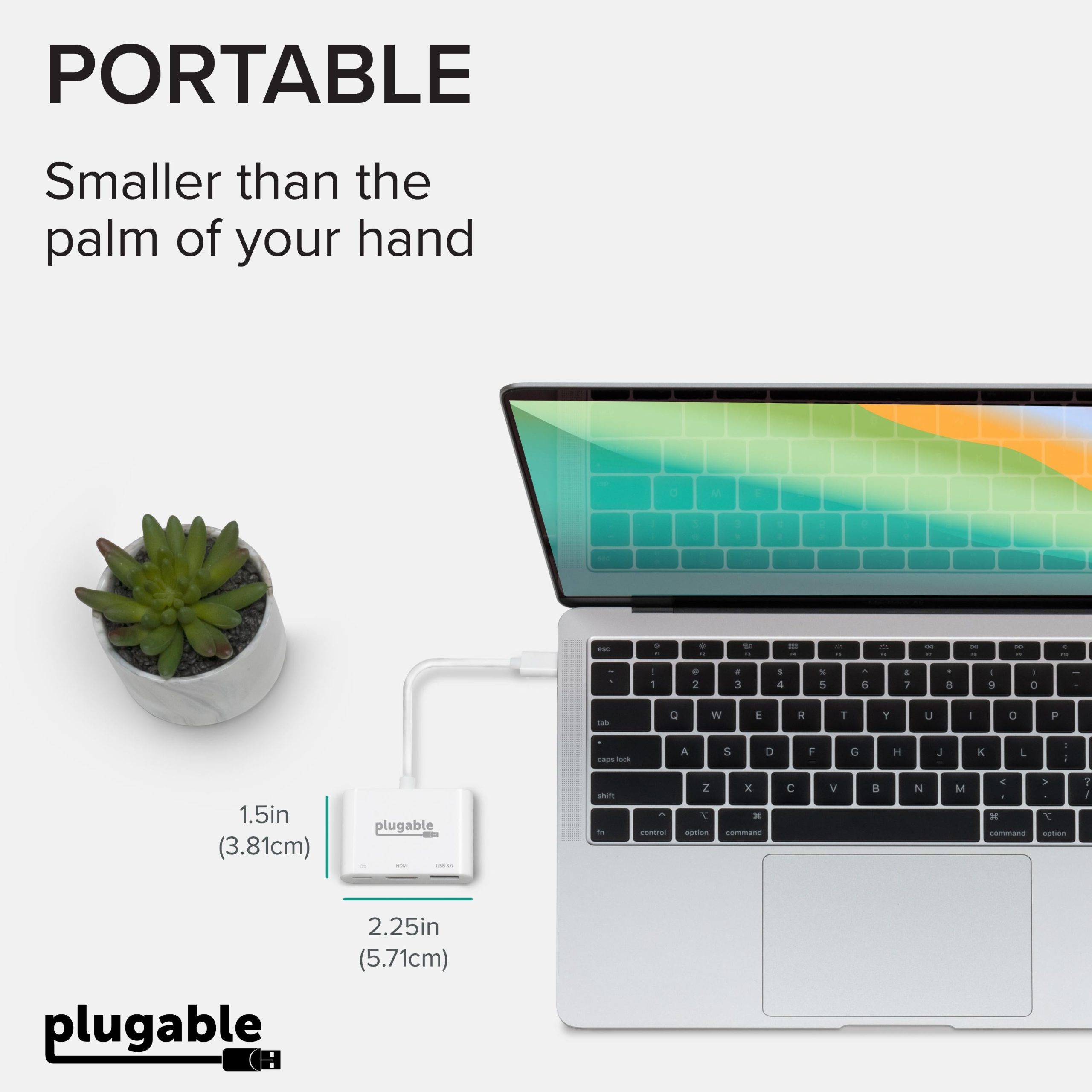
Plugable's USB-C Mini Dock enables you to connect an external monitor, USB peripheral and USB-C power adapter to a USB Type-C or Thunderbolt 3 supported system. The compact size of this USBC multi port adapter allows for ultra portability and removes the need to carry multiple dongles that could occupy other valuable ports. Awarded by Macworld as the Best Alternative to Apple AV Multiport Adapter.
Performance
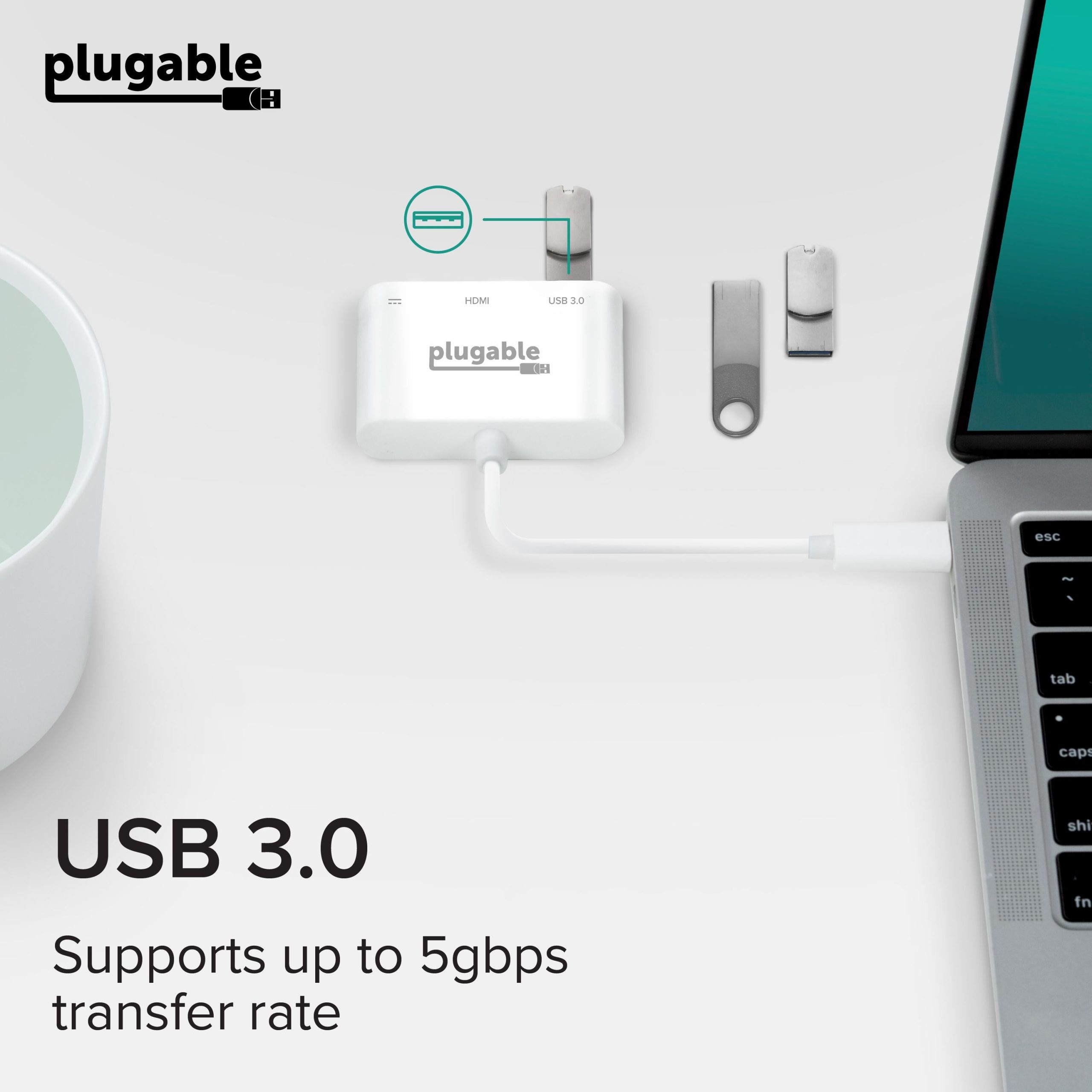
The Plugable Thunderbolt multiport adapter leverges the USB-C DisplayPort Alt Mode and USB Power Delivery technologies to support an external monitor and Power Delivery functions. It offers a USB 3.0 Type-A port that supports data transfer speeds up to 5Gbps. The USB C to hdmi with charging port is entirely USB bus powered and does not require a power supply to work. Please note: disconnecting the system's USB power adapter when plugged into the USB C digital AV multiport adapter will disconnect the connected monitor and USB device and they should autmatically reconnect
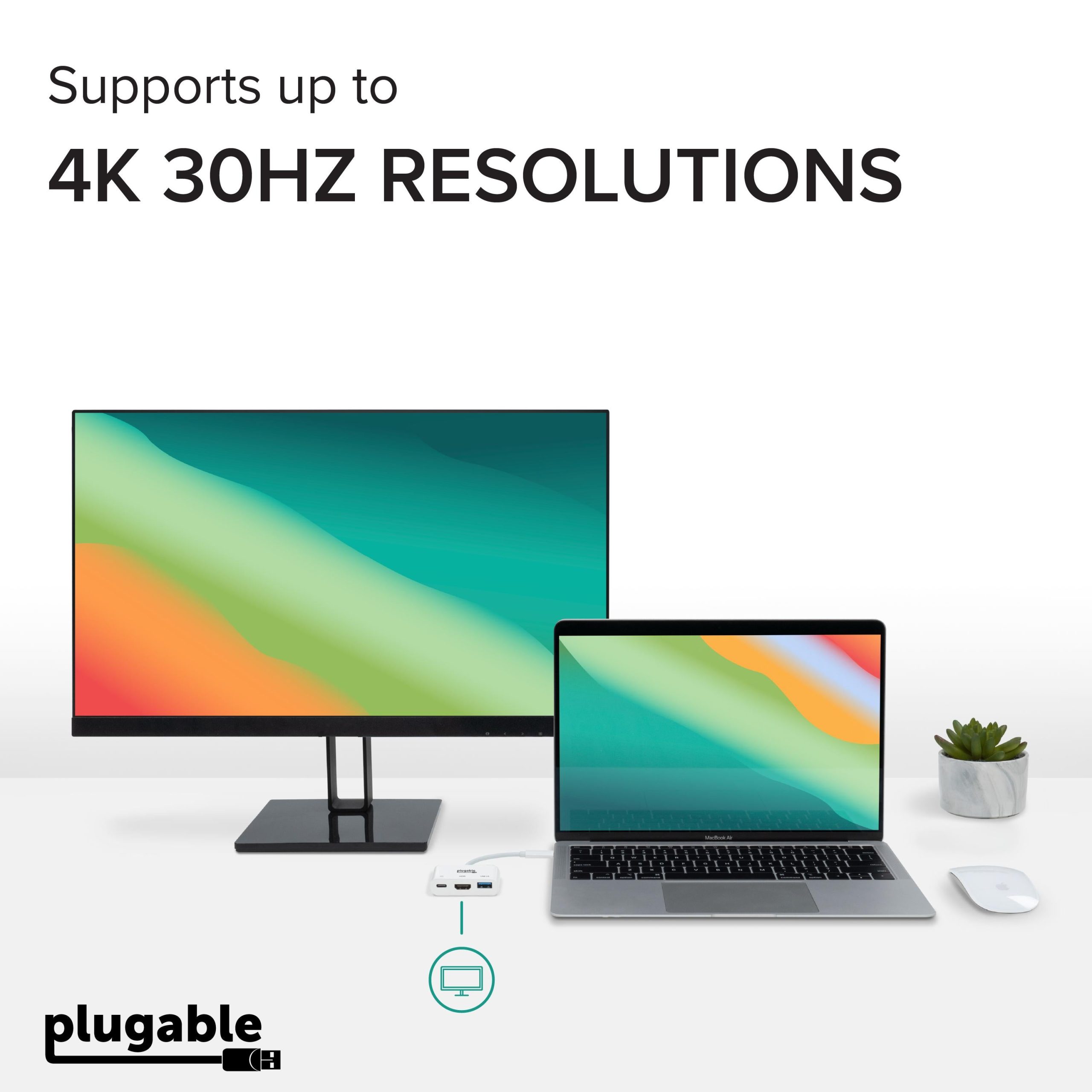
The HDMI 1.4 port on the HDMI to USB C adapter can support resolutions up to 3840×2160@60Hz and 1080p resolutions at 60Hz
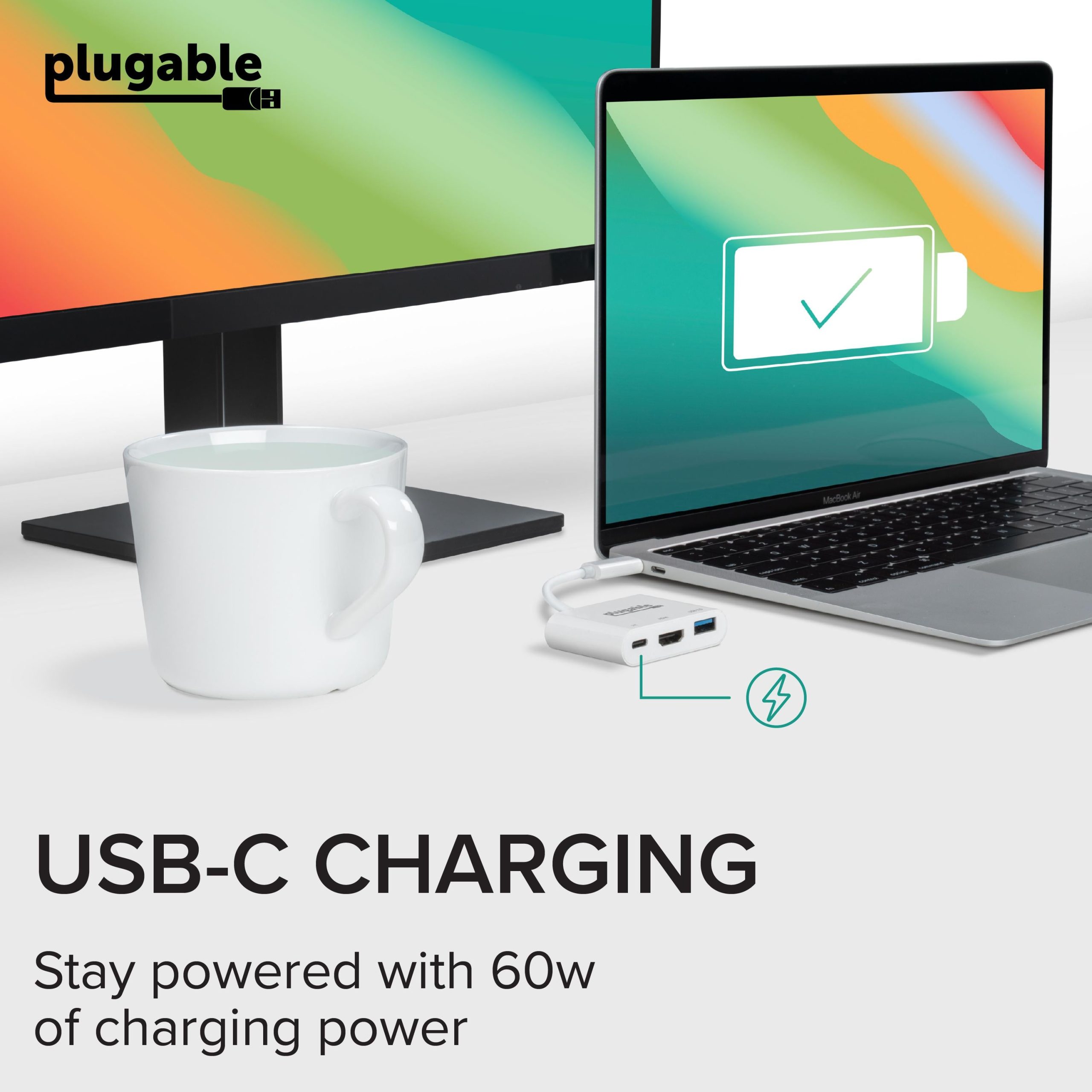
Charge your system's battery using the USB hub's USB-C power adapter while conencted to the USB-C 3.0 Power Delivery input port (5-20v @ 3A)
Compatibility
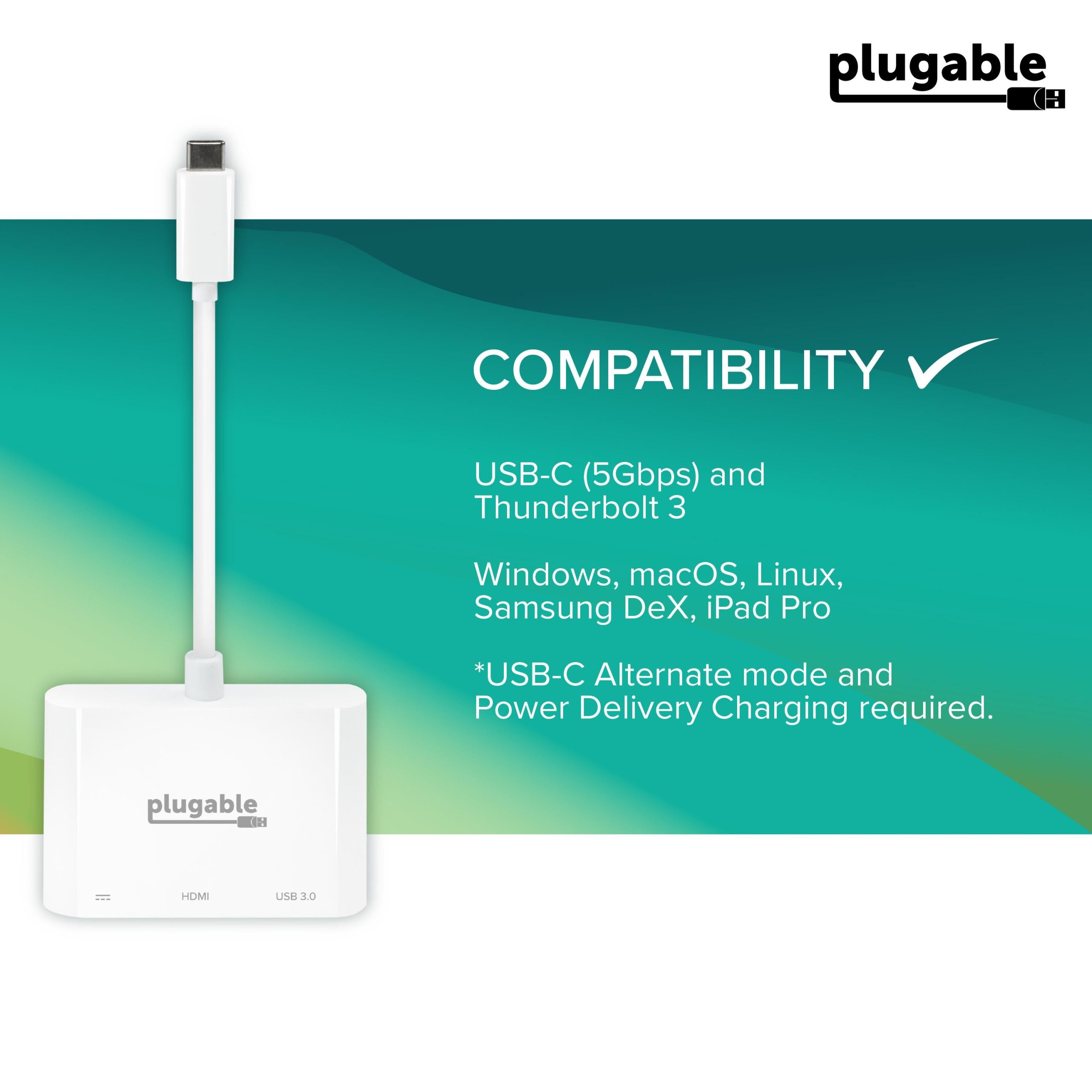
Compatible with Windows, macOS and Chromebook systems with a USB-C port that supports DisplayPort Alternate Mode, USB Power Delivery or Thunderbolt 3. Our adapter has been tested on the MacBook Pro, HP Spectre x360, Dell XPS, Lenovo ThinkPad and many other systems with compatible USB-C or Thunderbolt 3 ports.
Not compatible with USB Type-A systems even when used with USB Type-A to USB Type-C adapters.
The host system and connected monitor must support the desired resolution. The host system must also support Power Delivery over USB-C in order for charging functions to work
Know the fit
Plugable's USB-C Mini Dock enables you to connect an external monitor, USB peripheral and USB-C power adapter to a USB Type-C or Thunderbolt 3 supported system. The compact size of this USBC multi port adapter allows for ultra portability and removes the need to carry multiple dongles that could occupy other valuable ports. Awarded by Macworld as the Best Alternative to Apple AV Multiport Adapter.
Choose & use with care
Use the exact product listing to compare the intended task, fitting and included components. Product capabilities are specific to the chosen model.
Compare the listed dimensions, capacity and actual option labels with your available space or equipment before ordering.
Use the care and handling directions supplied for the selected product. Contact our team with the SKU if a detail is not stated.
Follow the instructions supplied for the exact product. Features, limits and care directions are specific to the selected model.
Order preparation takes 1–3 business days, followed by 3–4 business days in transit: 4–7 business days in total. Standard shipping is free to the contiguous United States and DC, with no minimum order.
Request a return within 30 calendar days after delivery. We pay return shipping. After receipt, inspection and initiation of an approved refund take 5–7 business days.
Before you decide
List the ports you need. Read the actual item description, included parts and options. The collection contains different models; a feature stated for one item should not be assumed for every product.
Check your operating system. Compare the dimensions and compatibility stated for the selected item with the space or equipment you intend to use. If a required measurement is absent, send the product name or SKU to [email protected] before purchasing.
Available choices are shown on the individual product page. Select the actual option labels before adding a variable product to your cart. Photos and specifications should be read together with that choice; availability is specific to the selected configuration.
Measure the setup. Follow the instructions supplied for the exact model. Do not assume that all items have the same materials, installation method, care directions or intended use.