List the ports you need
Use the exact product listing to compare the intended task, fitting and included components. Product capabilities are specific to the chosen model.


$39.99
Out of stock
Free standard US shipping
Contiguous 48 states & DC · 4–7 business days total
30-day returns
Merchant-paid return shipping. Read the policy
Questions about this item? [email protected]
Product brand: Plugable
The details
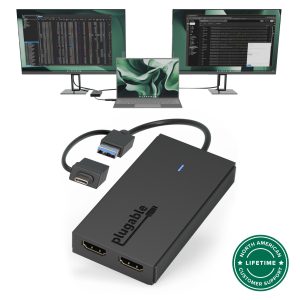
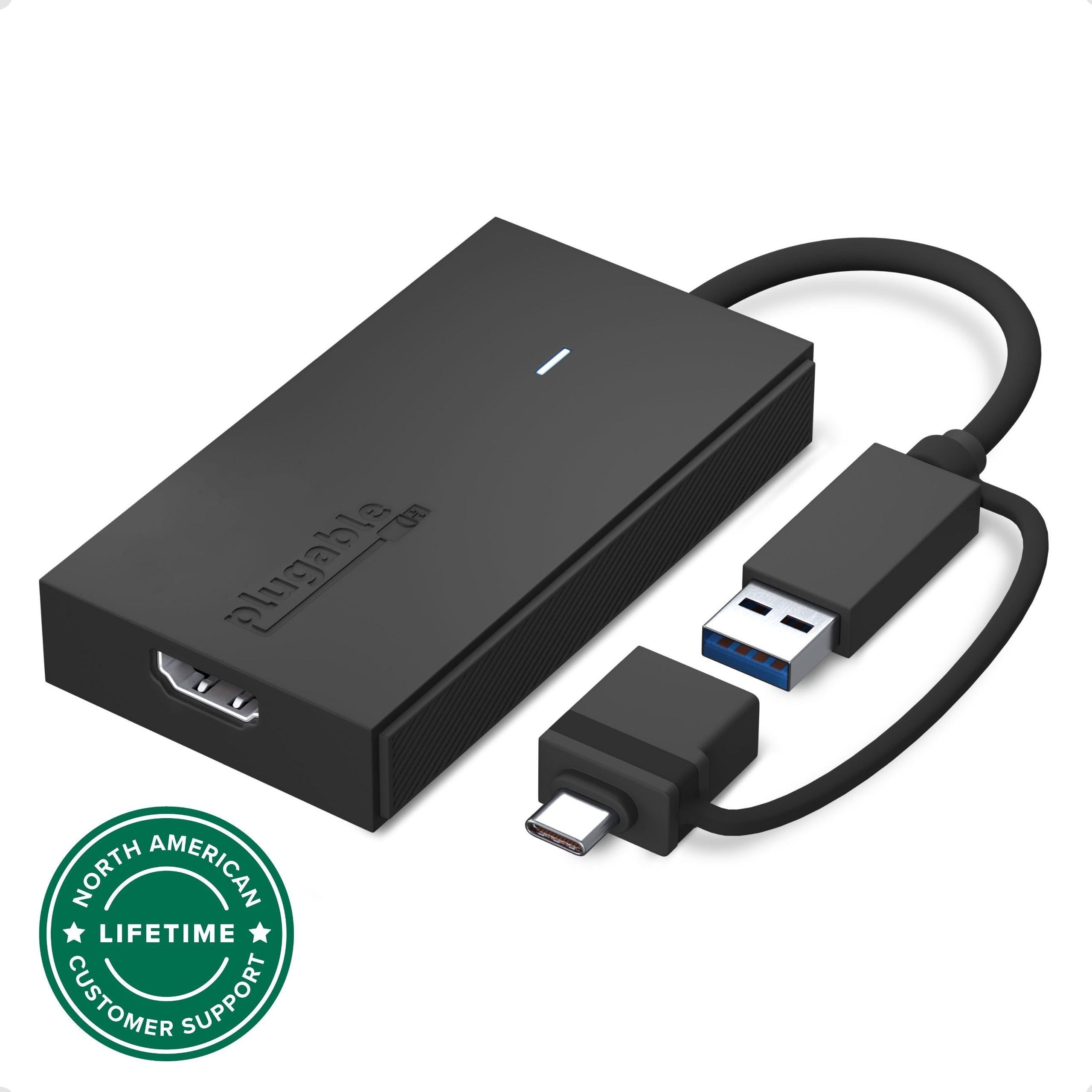
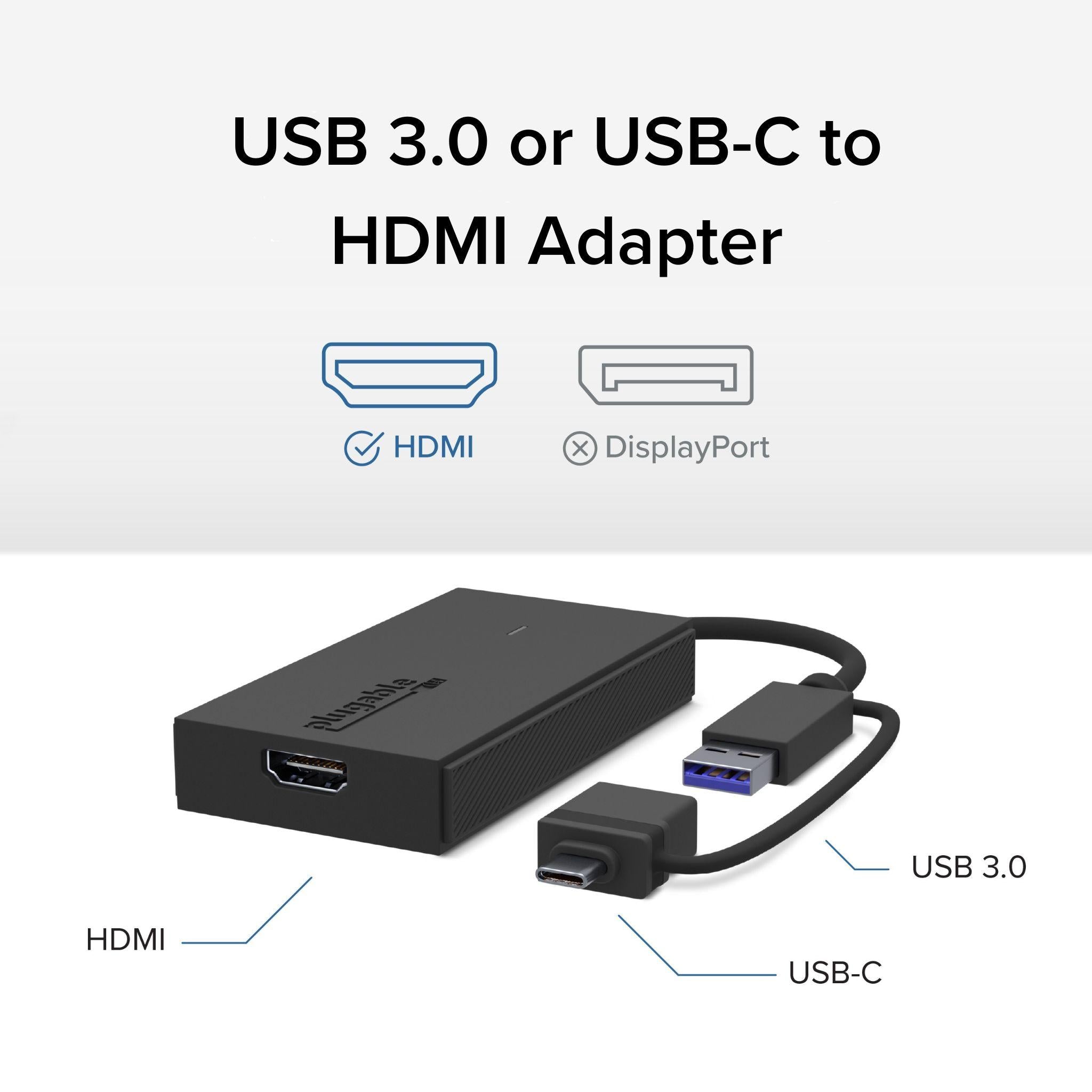
Extend Your Monitor the fast, simple, and affordable way. The Plugable UGA-HDMI-S makes it easy to add an HDMI display to almost any laptop or desktop without the cost or complexity of a full docking station. With a hybrid 2-in-1 cable that works with both USB 3.0 Type-A and USB-C ports, including USB4 and Thunderbolt 3/4, you never need to worry about carrying multiple adapters or matching the right connector to your computer. It works with the ports you have today and the devices you’ll upgrade to in the future.
Add a 2560×1440 at 60Hz Quad HD display to enhance clarity and expand your workspace for productivity tasks like spreadsheets, presentations, dashboards, and creative work. Because the HDMI to USB cable adds a dedicated HDMI port, your other USB ports remain free for peripherals. And if you need even more screen space, the HDMI to USB adapter for monitor can scale to large multi-monitor setups by using multiple adapters. Windows and ChromeOS systems can support up to eight extended displays, while macOS supports up to four, making it ideal for professionals who need multiple screens for analysis, development, design, remote work, or research.
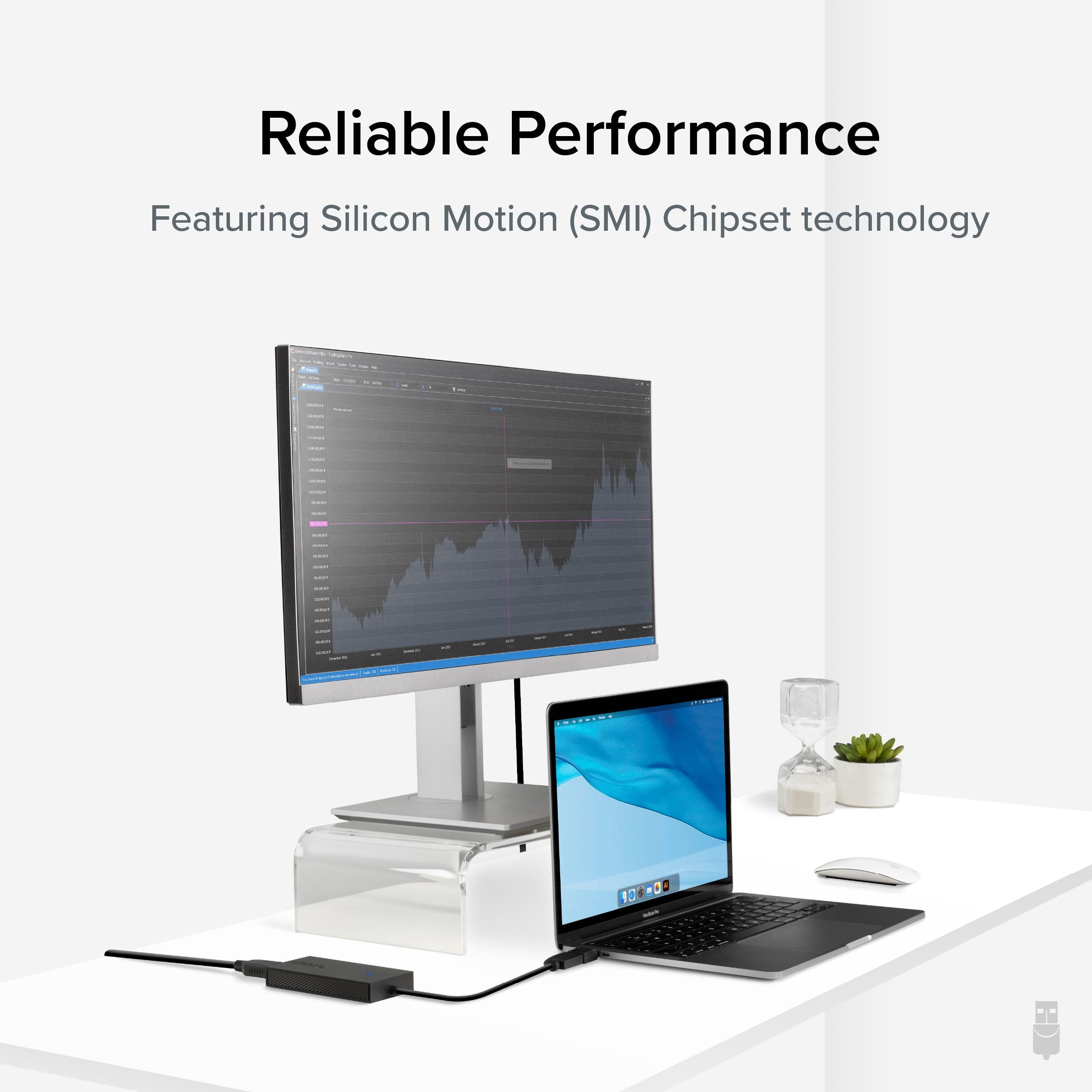
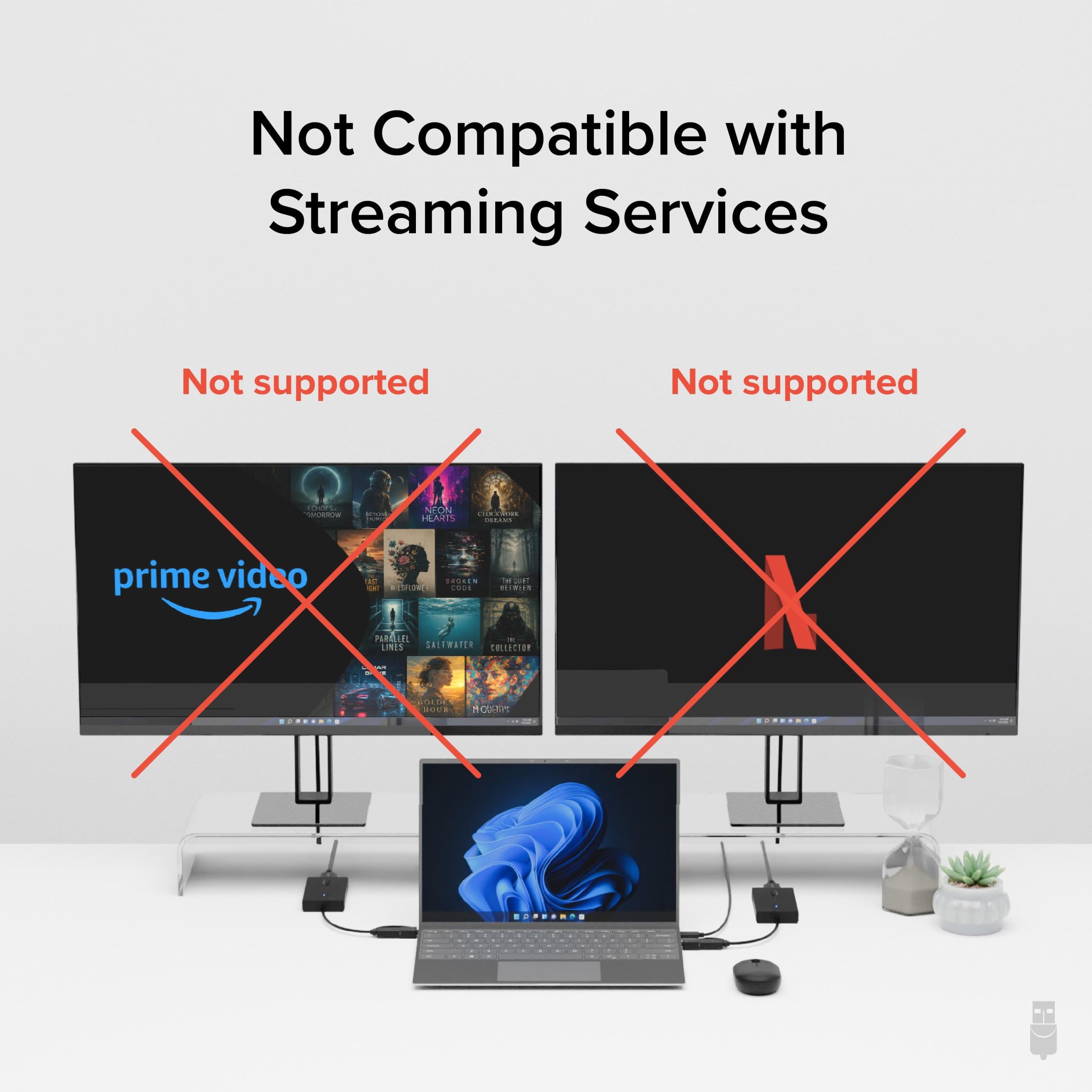
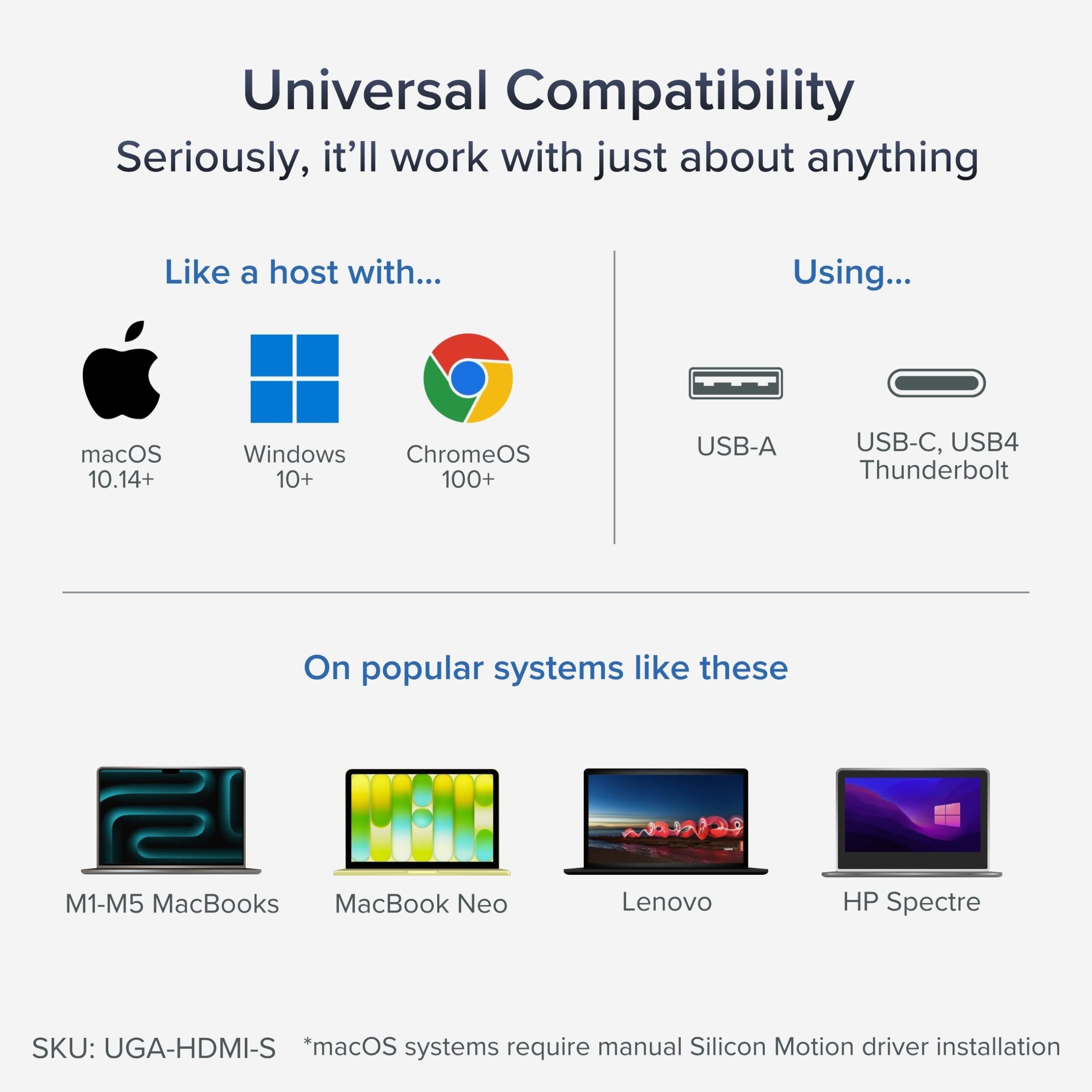
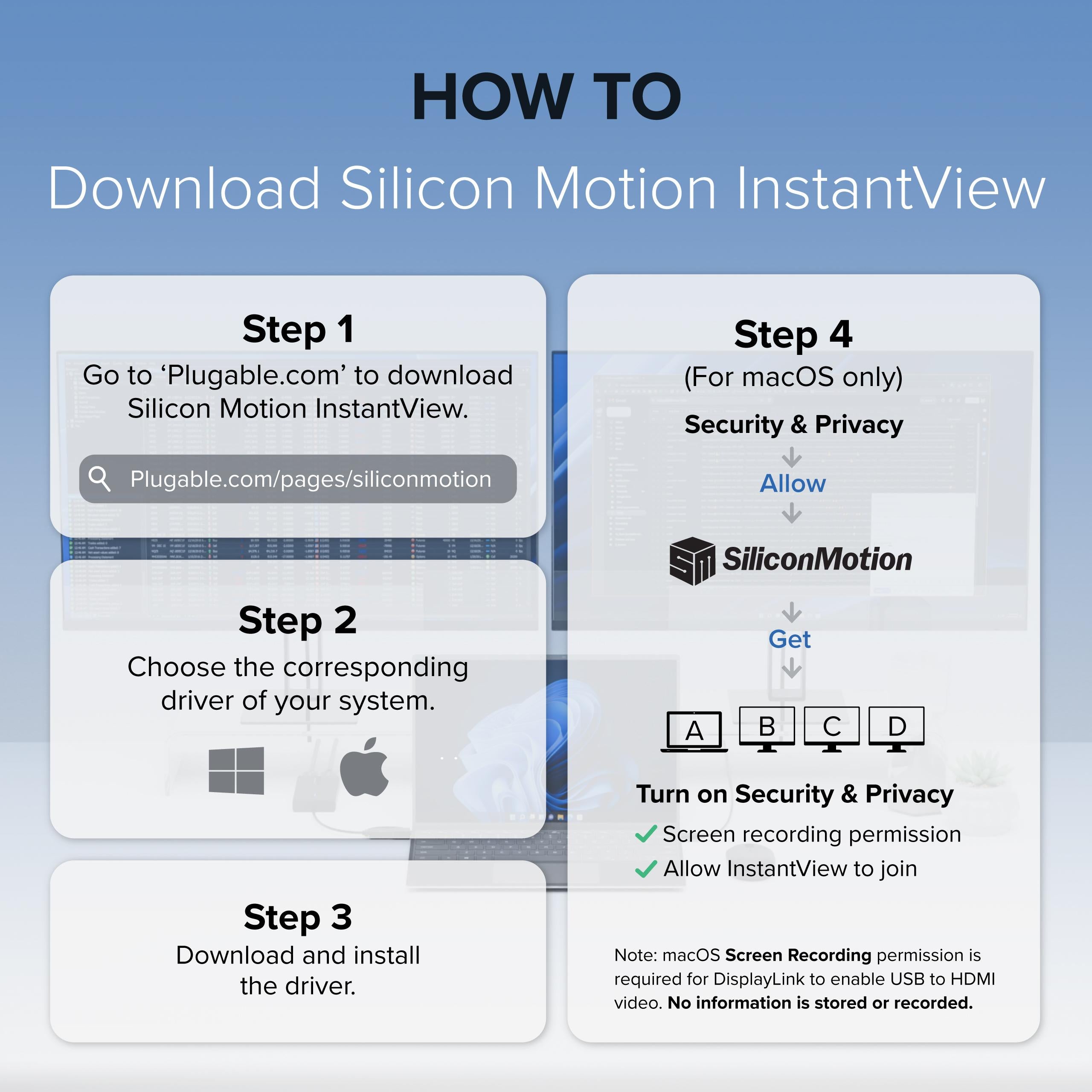
Powered by Silicon Motion (SMI) technology, the adapter provides dependable performance across operating systems. Windows users benefit from automatic driver installation through Windows Update, while macOS users complete a simple one-time InstantView driver installation. Compatible with Windows 10 and 11, macOS 10.14 and later (including M1, M2, M3, M4 and M5 systems), and ChromeOS 100 and newer. Not compatible with DisplayLink software or HDCP-protected content such as Netflix or Hulu.
Designed to work with a wide range of laptops including MacBook Pro/Air, Dell XPS, HP Spectre, Lenovo ThinkPad, Microsoft Surface, and many more, this adapter is a reliable solution for expanding screen real estate in home offices, classrooms, and corporate environments. Corporate users should note that some IT-managed systems may restrict driver installation. The adapter may use a small amount of CPU resources under heavy load, but this is typically not noticeable in normal use.
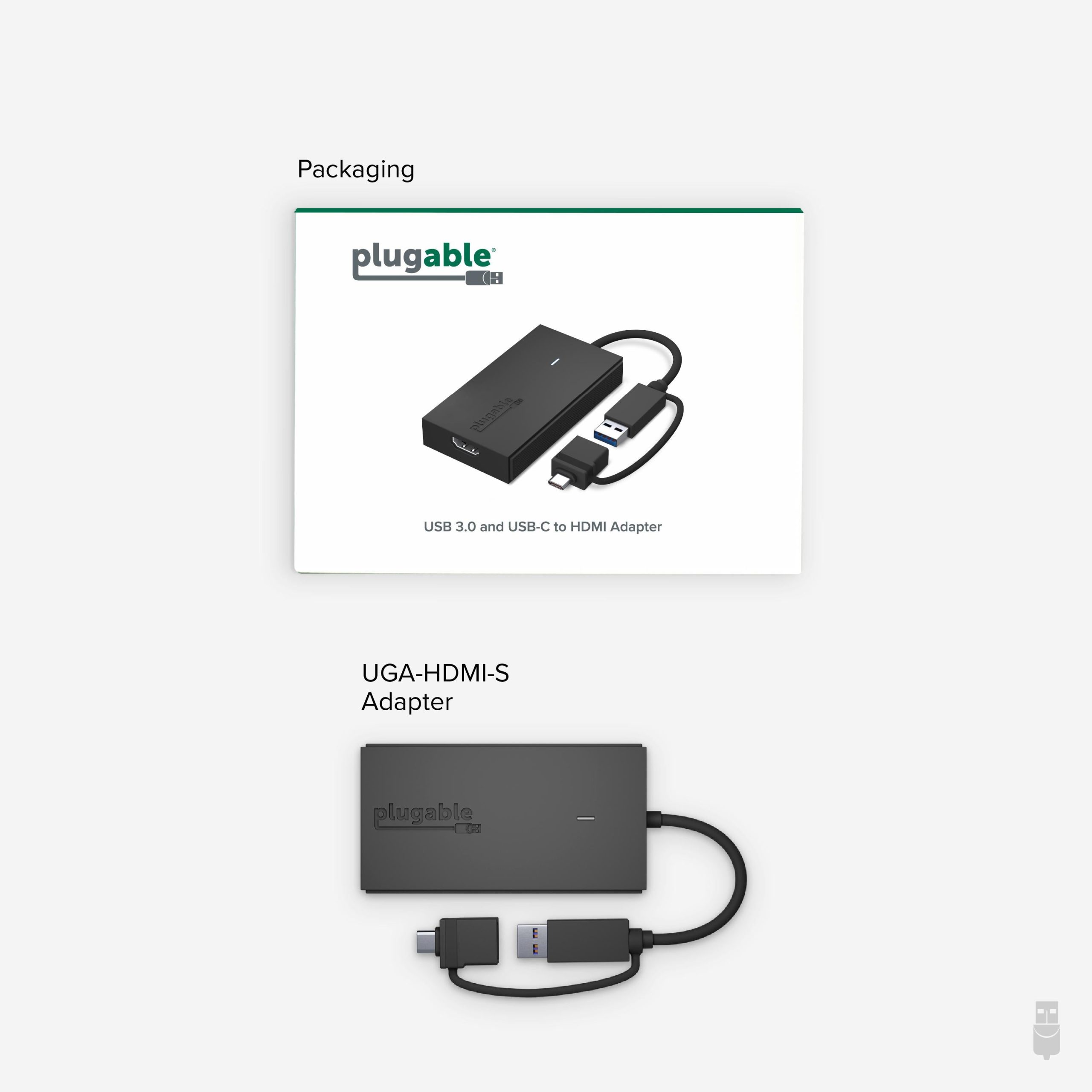
The UGA-HDMI-S includes the adapter with hybrid cable, a quick start guide, a two-year warranty, and support from Plugable’s US-based technical team. If you're looking for an easy, affordable way to add a high-quality display to your computer, the UGA-HDMI-S provides a flexible and dependable solution for everyday productivity.
Know the fit
For a measurement or material that is not stated on this listing, contact us with the SKU before ordering.
Choose & use with care
Use the exact product listing to compare the intended task, fitting and included components. Product capabilities are specific to the chosen model.
Compare the listed dimensions, capacity and actual option labels with your available space or equipment before ordering.
Use the care and handling directions supplied for the selected product. Contact our team with the SKU if a detail is not stated.
Follow the instructions supplied for the exact product. Features, limits and care directions are specific to the selected model.
Order preparation takes 1–3 business days, followed by 3–4 business days in transit: 4–7 business days in total. Standard shipping is free to the contiguous United States and DC, with no minimum order.
Request a return within 30 calendar days after delivery. We pay return shipping. After receipt, inspection and initiation of an approved refund take 5–7 business days.
Before you decide
List the ports you need. Read the actual item description, included parts and options. The collection contains different models; a feature stated for one item should not be assumed for every product.
Check your operating system. Compare the dimensions and compatibility stated for the selected item with the space or equipment you intend to use. If a required measurement is absent, send the product name or SKU to [email protected] before purchasing.
Available choices are shown on the individual product page. Select the actual option labels before adding a variable product to your cart. Photos and specifications should be read together with that choice; availability is specific to the selected configuration.
Measure the setup. Follow the instructions supplied for the exact model. Do not assume that all items have the same materials, installation method, care directions or intended use.