List the ports you need
Use the exact product listing to compare the intended task, fitting and included components. Product capabilities are specific to the chosen model.

$49.95
Free standard US shipping
Contiguous 48 states & DC · 4–7 business days total
30-day returns
Merchant-paid return shipping. Read the policy
Questions about this item? [email protected]
Product brand: Plugable
The details
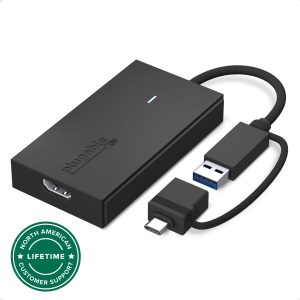
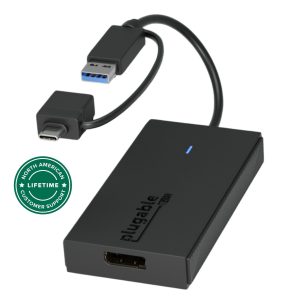
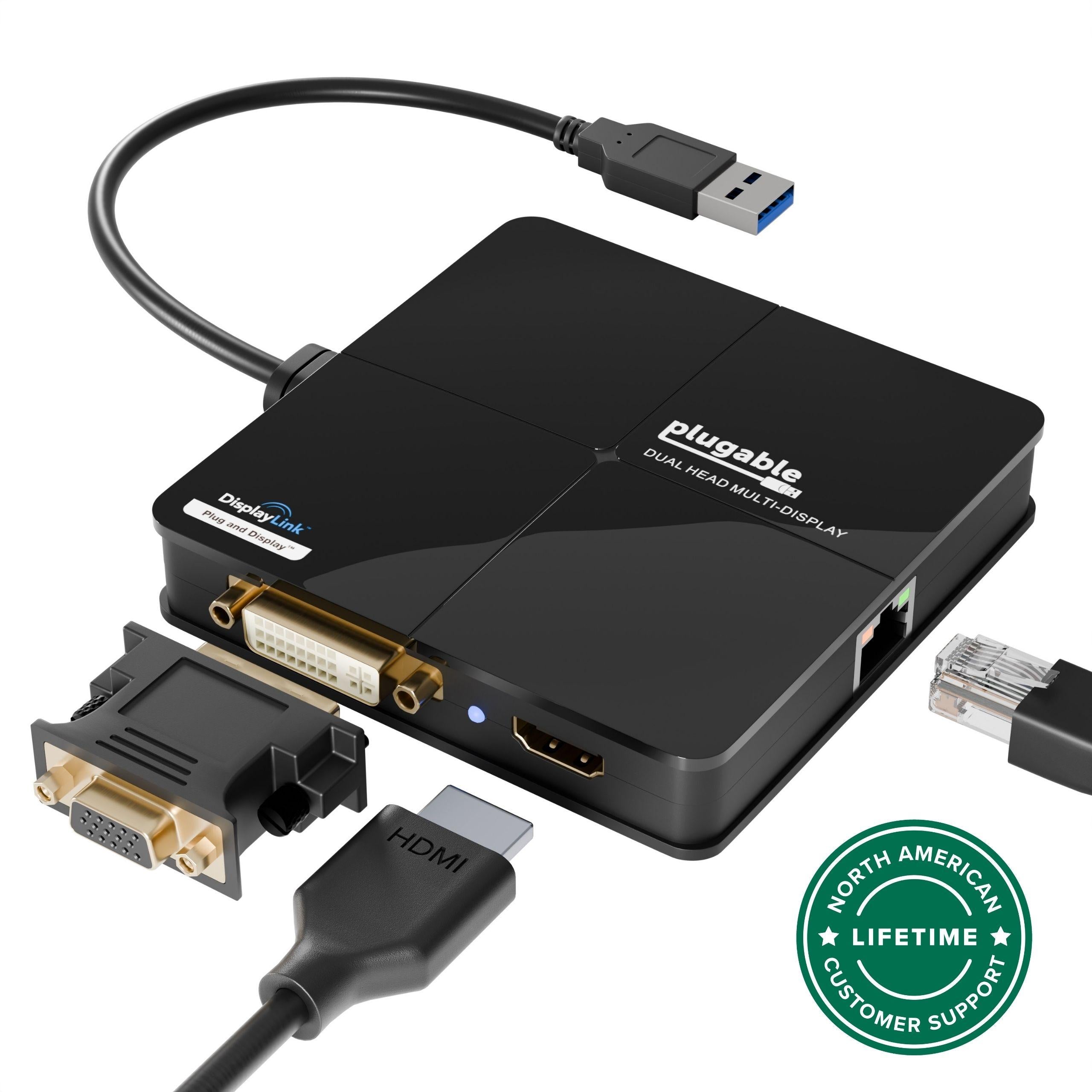
The Plugable Docking Station Dual Monitor Adapter, is powered by the DisplayLink DL-3900 chipset, is the ideal external graphics card for laptop users. Add dual video outputs and wired Gigabit Ethernet to compatible Windows and macOS systems with ease.
Dual Monitor Support + Versatile Outputs
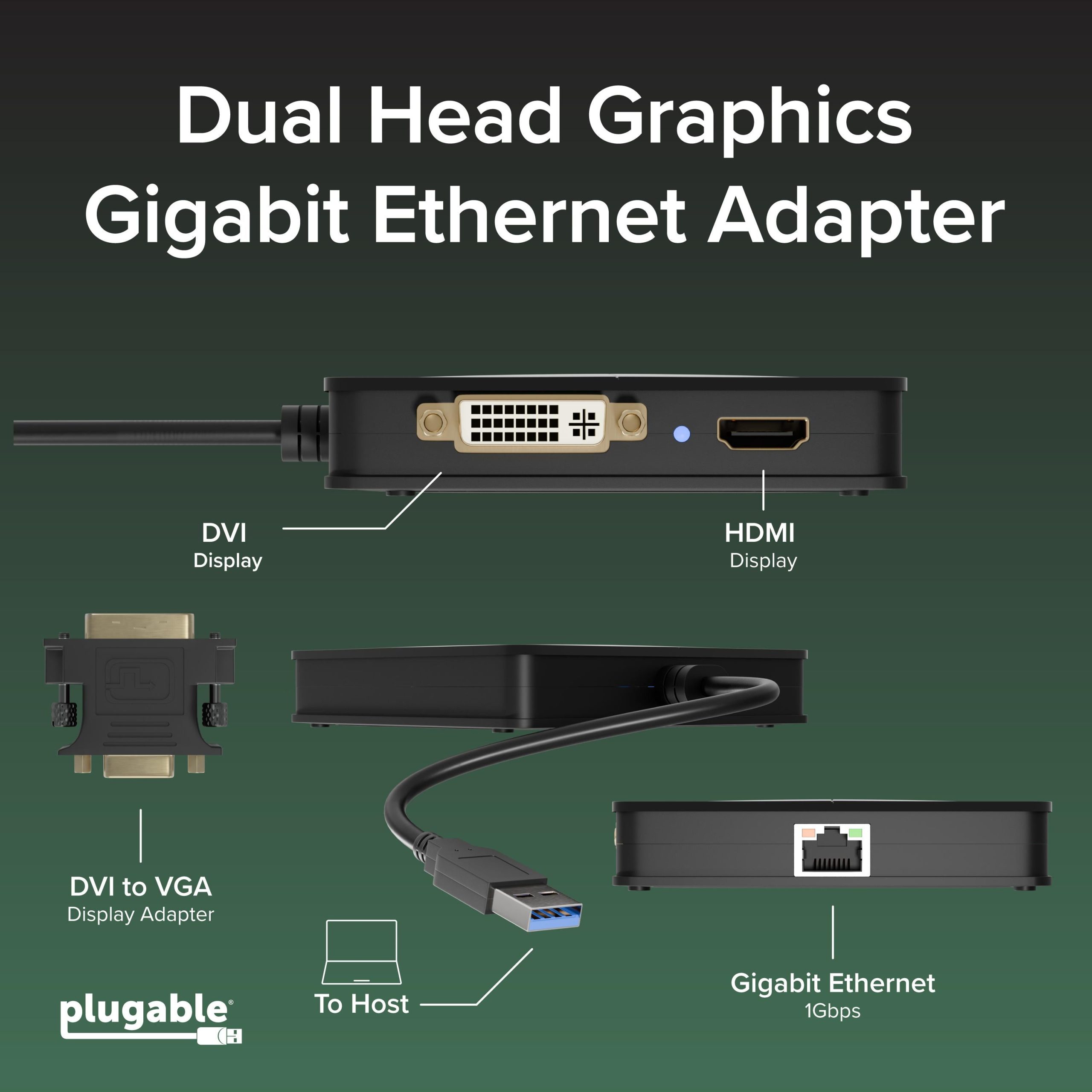
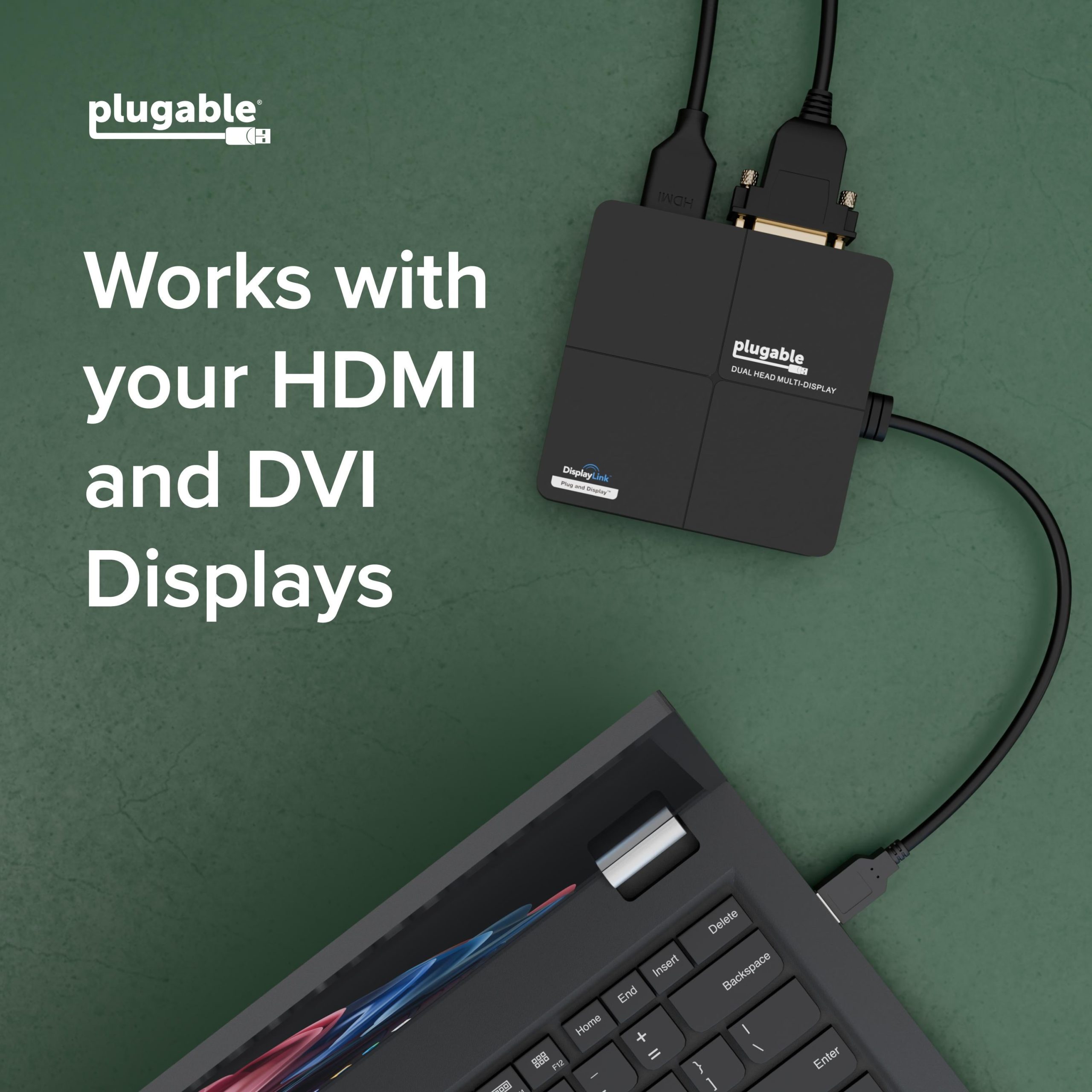
Equipped with both HDMI and DVI-I ports, this dock supports either one HDMI display up to 2560×1440 @ 50Hz or dual 1920×1200 monitors @ 60Hz. Whether you're connecting through a DVI to HDMI adapter or using the dock as a USB to HDMI adapter, this device delivers the flexibility to support a variety of monitor configurations
Designed for Productivity
USB graphics use your system’s CPU and GPU, making this dock perfect for web browsing, office work, and multitasking – not gaming. A smart choice for professionals needing a DisplayLink adapter or USB 3.0 to HDMI solution.
System Compatibility
Compatible with Windows 11 / 10 / 8.1 / 7 / XP and macOS 10.14+. Drivers install automatically via Windows Update or from plugable Dual-core or 2GHz+ CPU and 2GB RAM recommended. For best results, ensure updated USB 3.0 drivers.
Limitations & Incompatibility
Not compatible with Surface RT, Linux, ARM-based Windows, Vista Basic, or Windows 7 Starter Edition. Cannot be used with non-DisplayLink adapters (e.g., MCT, j5, SMSC). Does not support HDCP; playback of encrypted content such as Blu-rays is not possible.
What’s in the Box
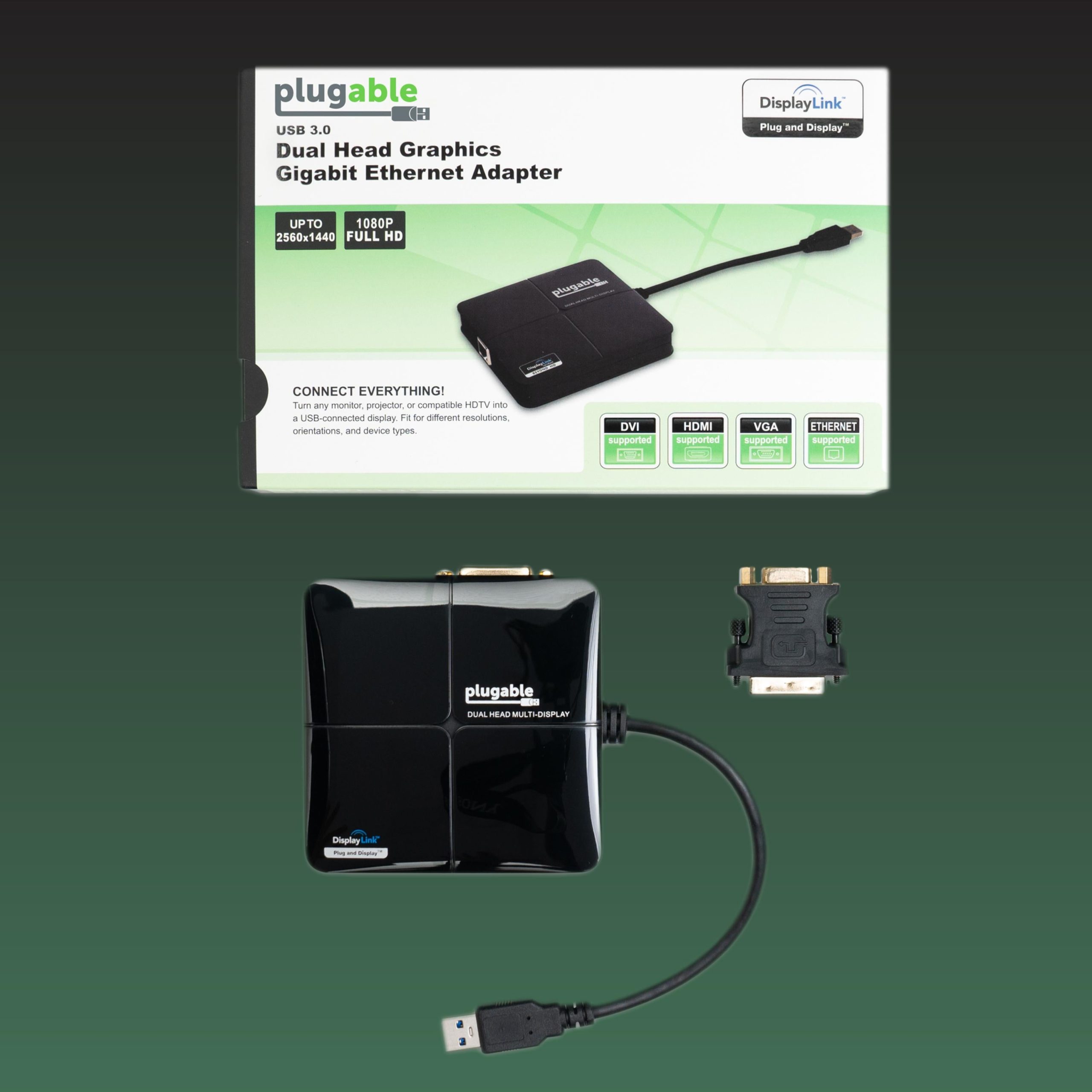
– Plugable USB3-3900DHE Docking Station
– Driver CD
– Quick Install Guide
– Integrated USB Cable
Know the fit
For a measurement or material that is not stated on this listing, contact us with the SKU before ordering.
Choose & use with care
Use the exact product listing to compare the intended task, fitting and included components. Product capabilities are specific to the chosen model.
Compare the listed dimensions, capacity and actual option labels with your available space or equipment before ordering.
Use the care and handling directions supplied for the selected product. Contact our team with the SKU if a detail is not stated.
Follow the instructions supplied for the exact product. Features, limits and care directions are specific to the selected model.
Order preparation takes 1–3 business days, followed by 3–4 business days in transit: 4–7 business days in total. Standard shipping is free to the contiguous United States and DC, with no minimum order.
Request a return within 30 calendar days after delivery. We pay return shipping. After receipt, inspection and initiation of an approved refund take 5–7 business days.
Before you decide
List the ports you need. Read the actual item description, included parts and options. The collection contains different models; a feature stated for one item should not be assumed for every product.
Check your operating system. Compare the dimensions and compatibility stated for the selected item with the space or equipment you intend to use. If a required measurement is absent, send the product name or SKU to [email protected] before purchasing.
Available choices are shown on the individual product page. Select the actual option labels before adding a variable product to your cart. Photos and specifications should be read together with that choice; availability is specific to the selected configuration.
Measure the setup. Follow the instructions supplied for the exact model. Do not assume that all items have the same materials, installation method, care directions or intended use.