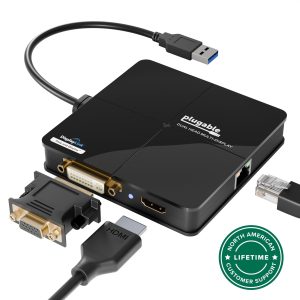
List the ports you need
Use the exact product listing to compare the intended task, fitting and included components. Product capabilities are specific to the chosen model.
$55.90
Free standard US shipping
Contiguous 48 states & DC · 4–7 business days total
30-day returns
Merchant-paid return shipping. Read the policy
Questions about this item? [email protected]
Product brand: Plugable
The details
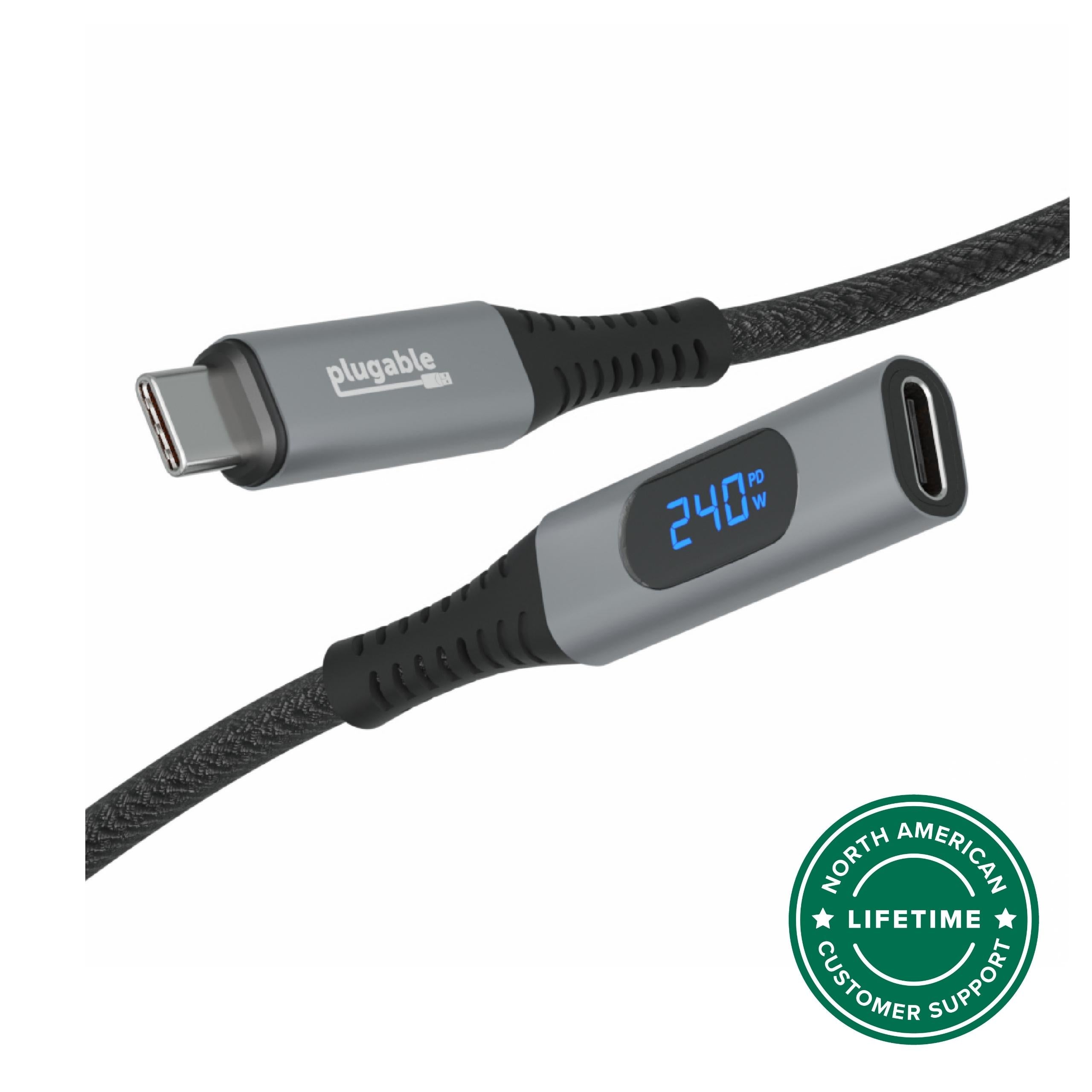
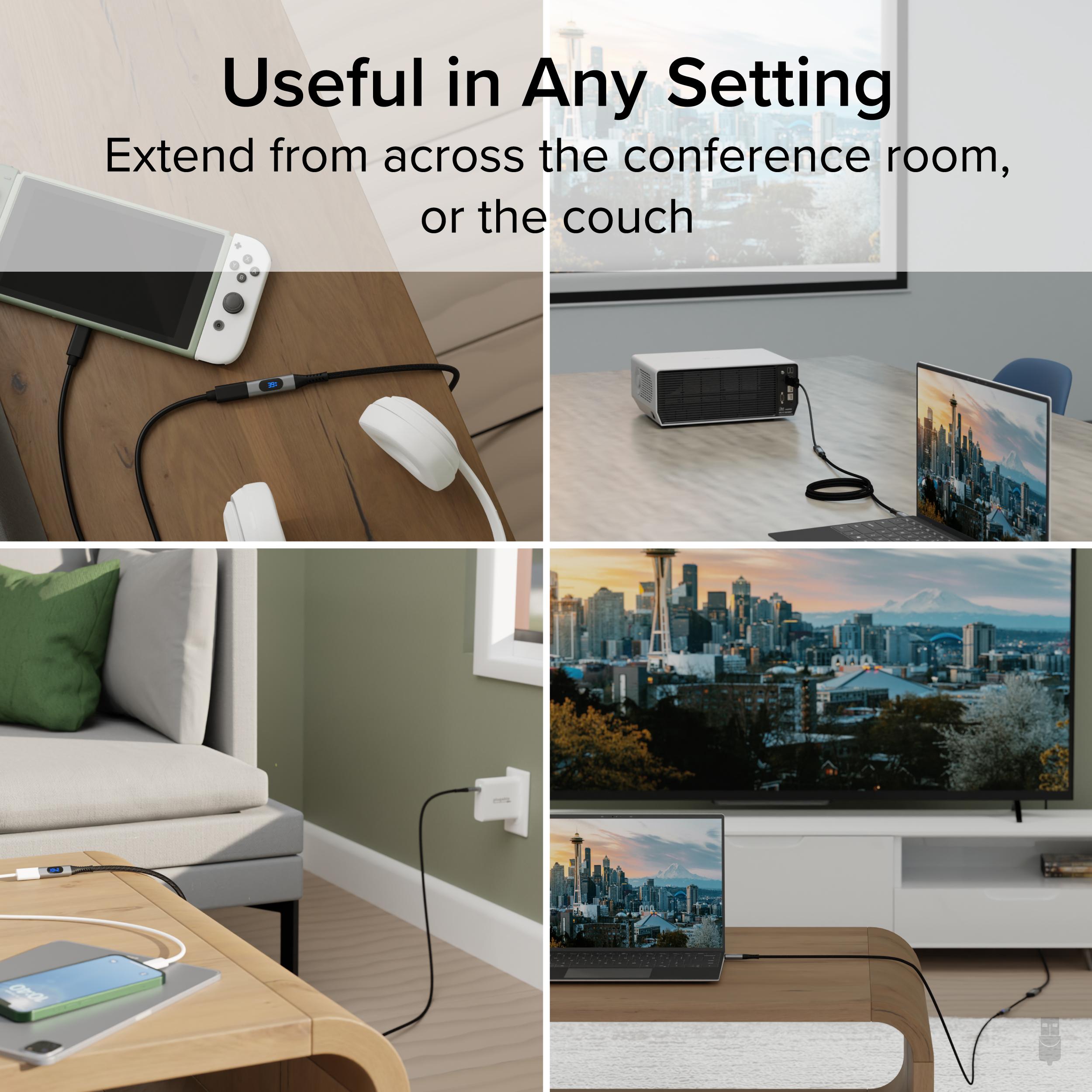
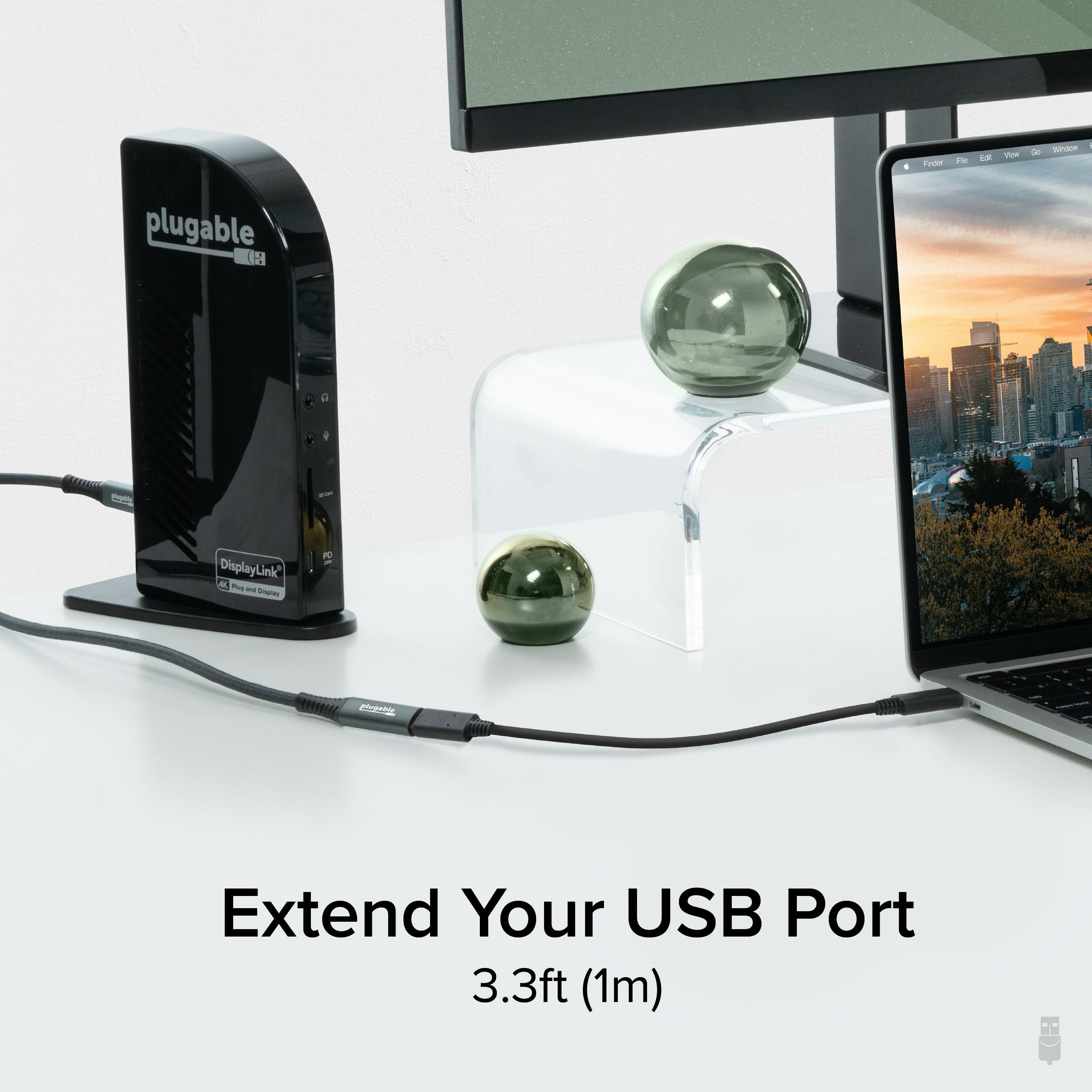
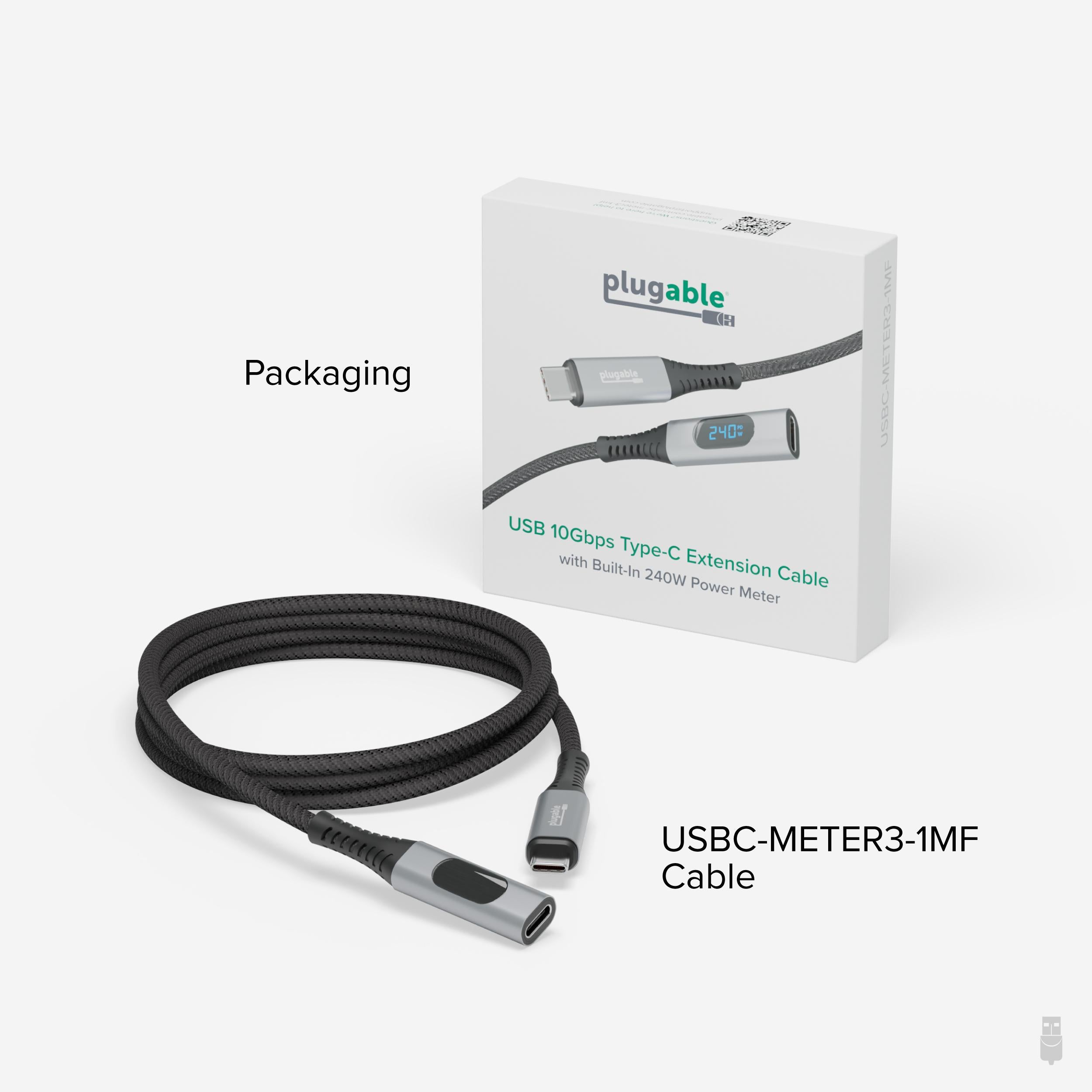
The Plugable USB 10Gbps Type-C Extension Cable with Built-In 240W Power Meter with Male and Female connection (USBC-METER3-1MF) has a lot going for it. For starters, it’ll extend your current USB-C cord by 3.3’ (1m), and deliver up to 240W of charging power. That means you can combine this USB C fast charging cable with your laptop’s USB-C charging cables to give you (and your laptop) a little extra room to move around.
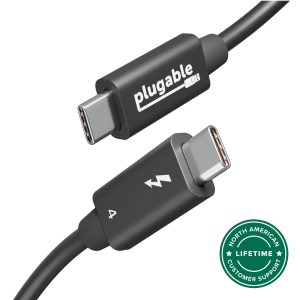
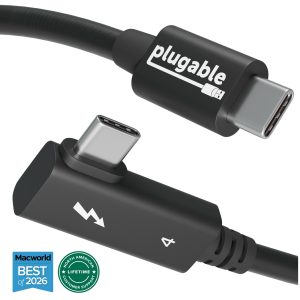
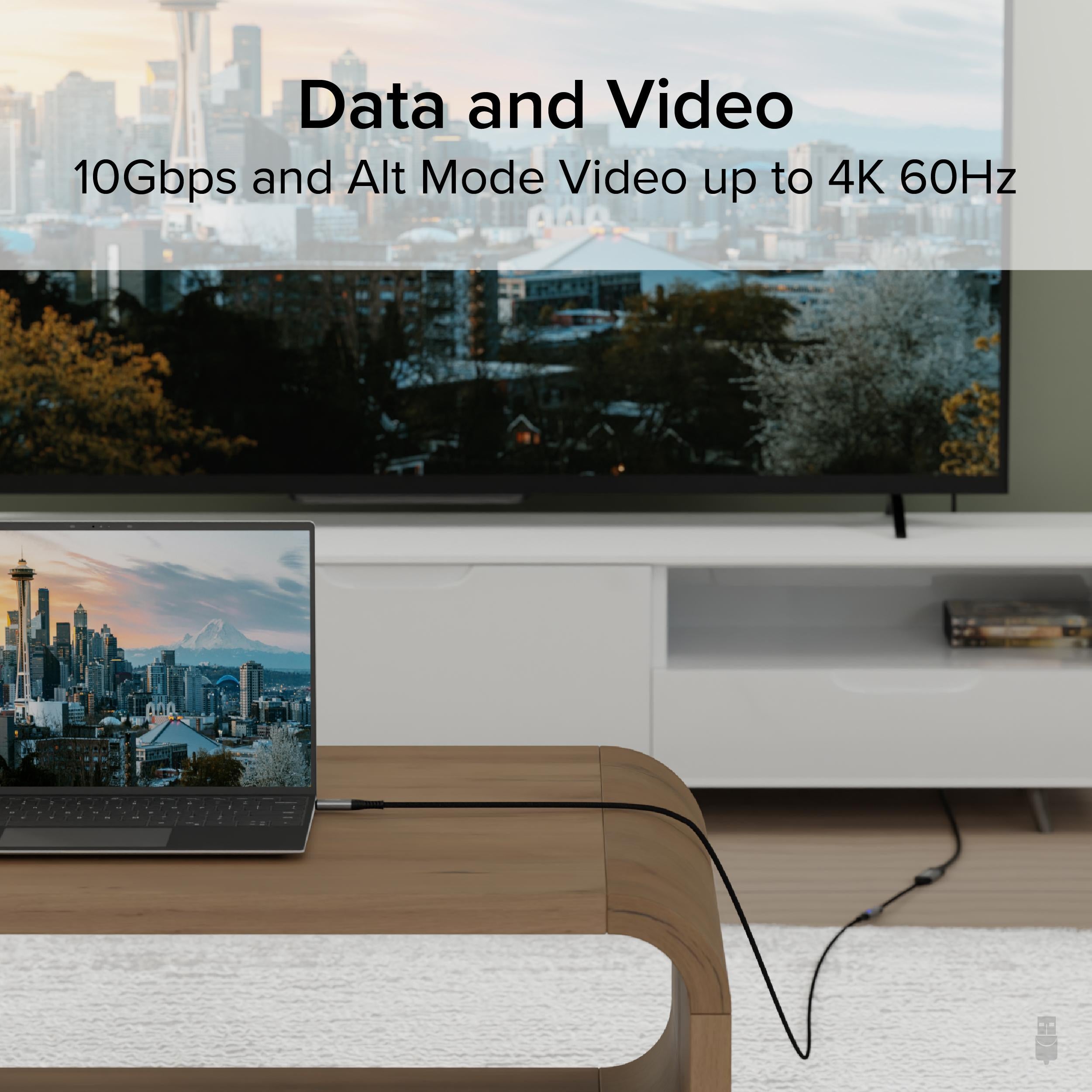
When extending an equally capable Thunderbolt 4, or USB C data cable with charging, like the Plugable USB4-240W-1M USB C data cable with charging, get 240W Extended Power Range support, or support for video Alt mode at up to 4K 60Hz. This USB C to C cable also supports impressive 10Gbps data transfer speeds. And, as nice as it is to have, the most innovative feature isn’t the braided cord or the aluminum housing.
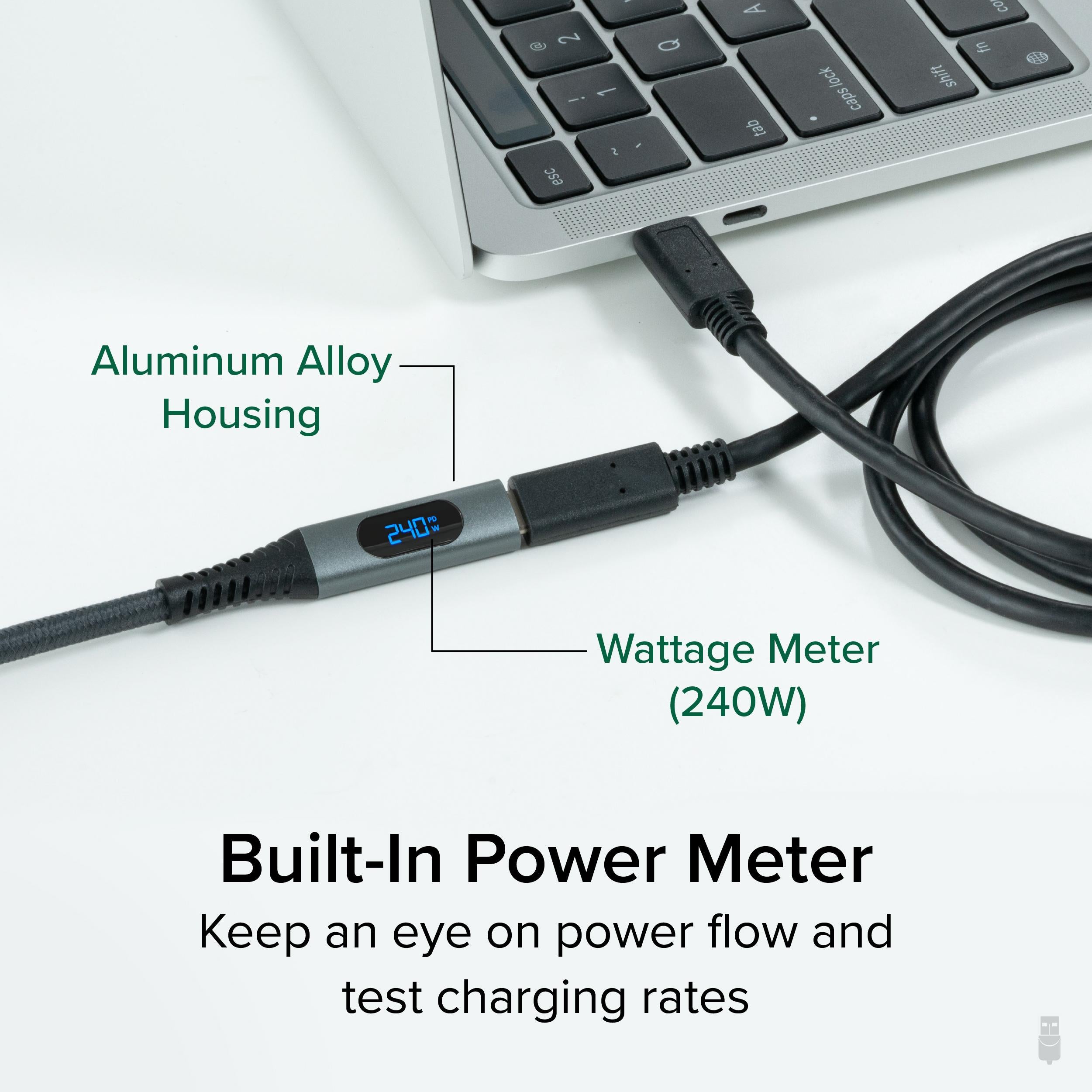
The most unique feature of the Plugable USB C cable to USB C is the built-in USB C power meter, sometimes called a Watt meter. Now you can monitor your power draw and consumption. Use it as a USB cable tester to see if all of your laptop’s USB-C ports deliver the same charge. And you’ll finally find out if that “Super Best Fast Speed Charger” you ordered (I mean, it was so cheap how could you resist) actually delivers the charge it claims on the package.
Built-In Power Meter – Measure your power and flow and consumption with real-time monitoring on digital power meter.
240W Extended Power Range – The first USB-C extension cable with a power meter capable of 240W power delivery.
4K 60Hz Video – Supports video over USB Alternate Mode at up to 4K 60Hz.
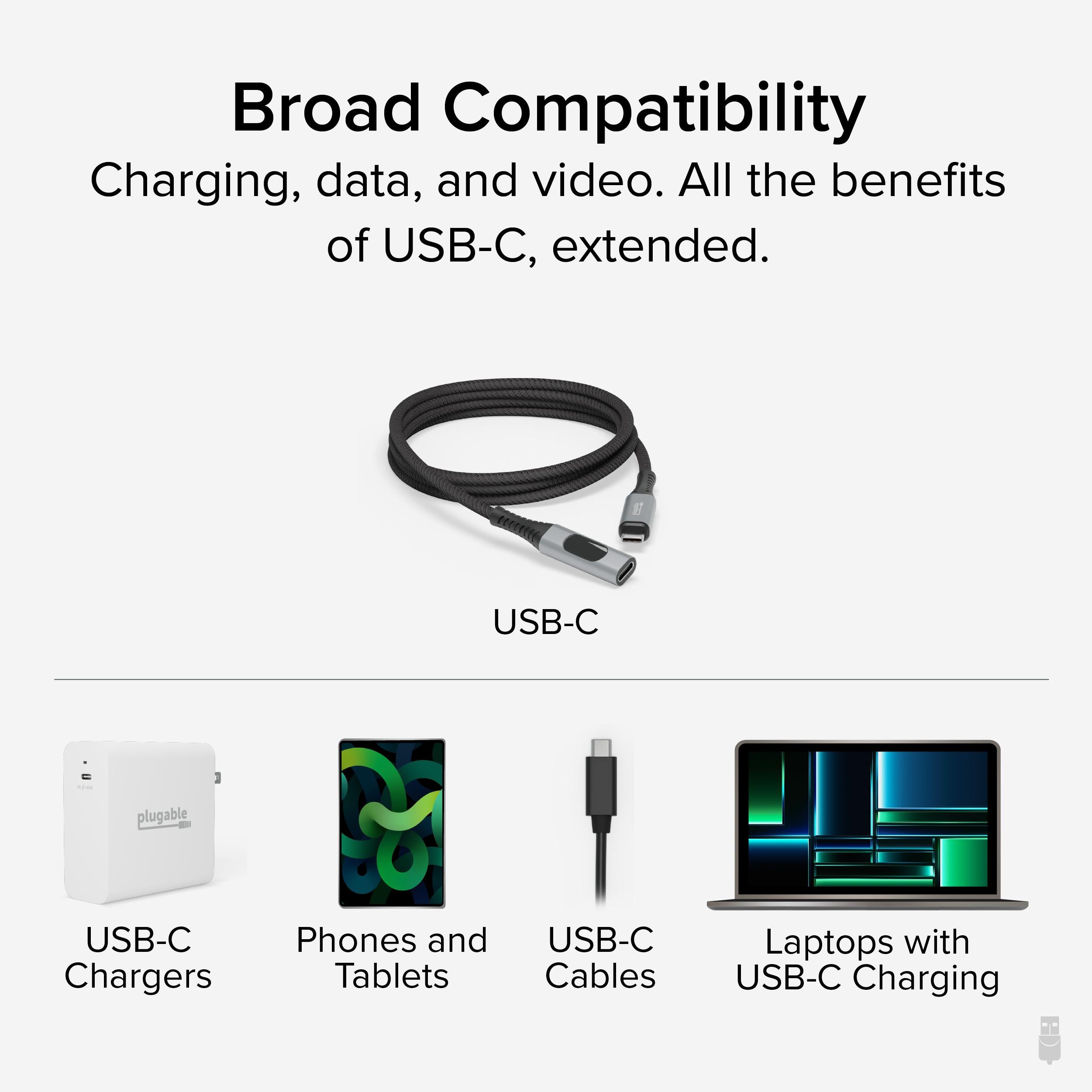
Compatibility – Compatible with most USB-C devices. Actual performance depends on connected devices.
Know the fit
When extending an equally capable Thunderbolt 4, or USB C data cable with charging, like the Plugable USB4-240W-1M USB C data cable with charging, get 240W Extended Power Range support, or support for video Alt mode at up to 4K 60Hz. This USB C to C cable also supports impressive 10Gbps data transfer speeds. And, as nice as it is to have, the most innovative feature isn’t the braided cord or the aluminum housing.
The most unique feature of the Plugable USB C cable to USB C is the built-in USB C power meter, sometimes called a Watt meter. Now you can monitor your power draw and consumption. Use it as a USB cable tester to see if all of your laptop’s USB-C ports deliver the same charge. And you’ll finally find out if that “Super Best Fast Speed Charger” you ordered (I mean, it was so cheap how could you resist) actually delivers the charge it claims on the package.
Choose & use with care
Use the exact product listing to compare the intended task, fitting and included components. Product capabilities are specific to the chosen model.
Compare the listed dimensions, capacity and actual option labels with your available space or equipment before ordering.
Use the care and handling directions supplied for the selected product. Contact our team with the SKU if a detail is not stated.
Follow the instructions supplied for the exact product. Features, limits and care directions are specific to the selected model.
Order preparation takes 1–3 business days, followed by 3–4 business days in transit: 4–7 business days in total. Standard shipping is free to the contiguous United States and DC, with no minimum order.
Request a return within 30 calendar days after delivery. We pay return shipping. After receipt, inspection and initiation of an approved refund take 5–7 business days.
Before you decide
List the ports you need. Read the actual item description, included parts and options. The collection contains different models; a feature stated for one item should not be assumed for every product.
Check your operating system. Compare the dimensions and compatibility stated for the selected item with the space or equipment you intend to use. If a required measurement is absent, send the product name or SKU to [email protected] before purchasing.
Available choices are shown on the individual product page. Select the actual option labels before adding a variable product to your cart. Photos and specifications should be read together with that choice; availability is specific to the selected configuration.
Measure the setup. Follow the instructions supplied for the exact model. Do not assume that all items have the same materials, installation method, care directions or intended use.