List the ports you need
Use the exact product listing to compare the intended task, fitting and included components. Product capabilities are specific to the chosen model.

$63.95
Out of stock
Free standard US shipping
Contiguous 48 states & DC · 4–7 business days total
30-day returns
Merchant-paid return shipping. Read the policy
Questions about this item? [email protected]
Product brand: Plugable
The details
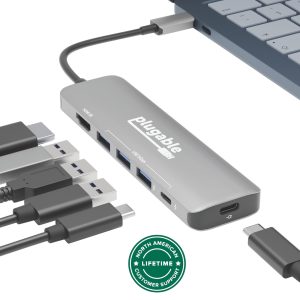
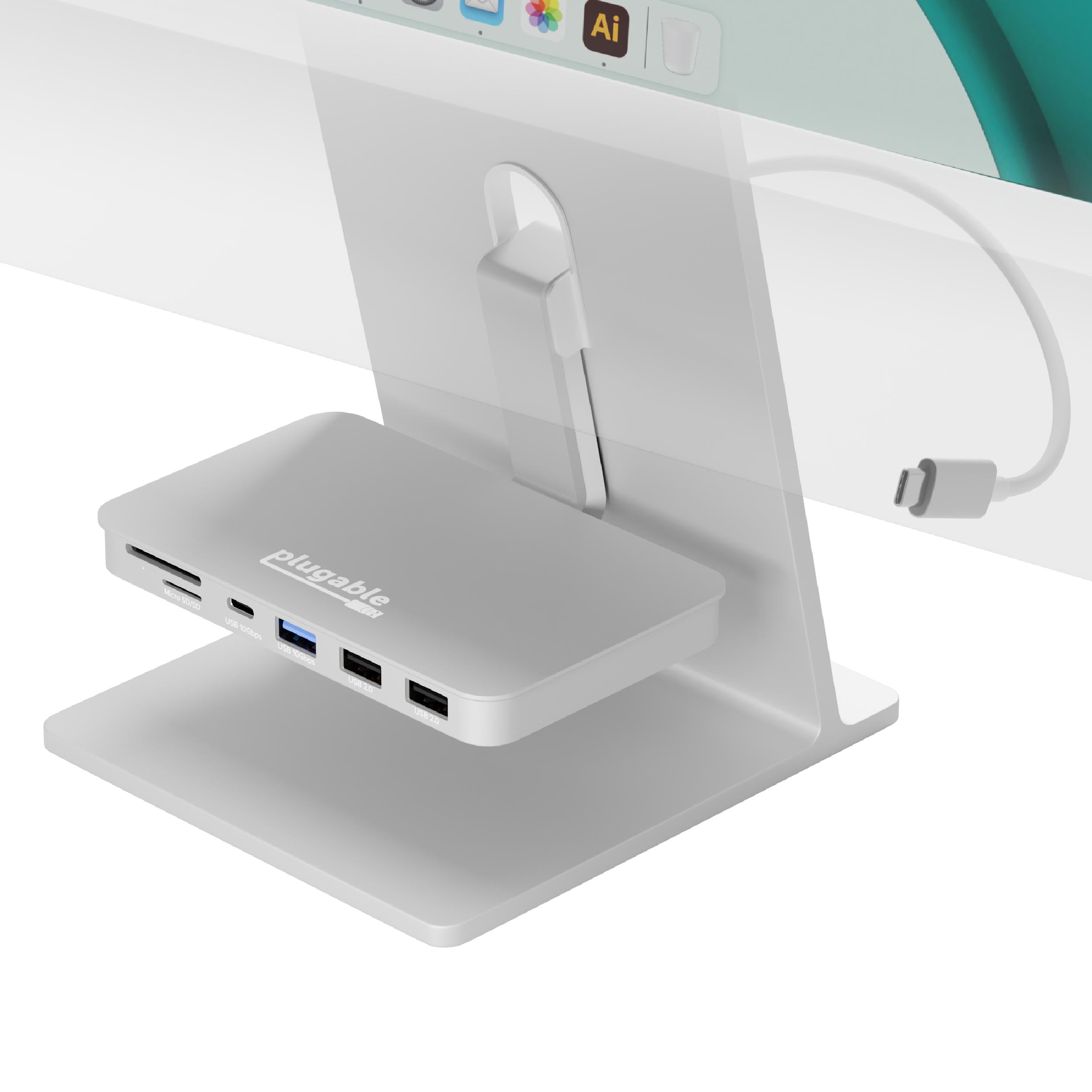
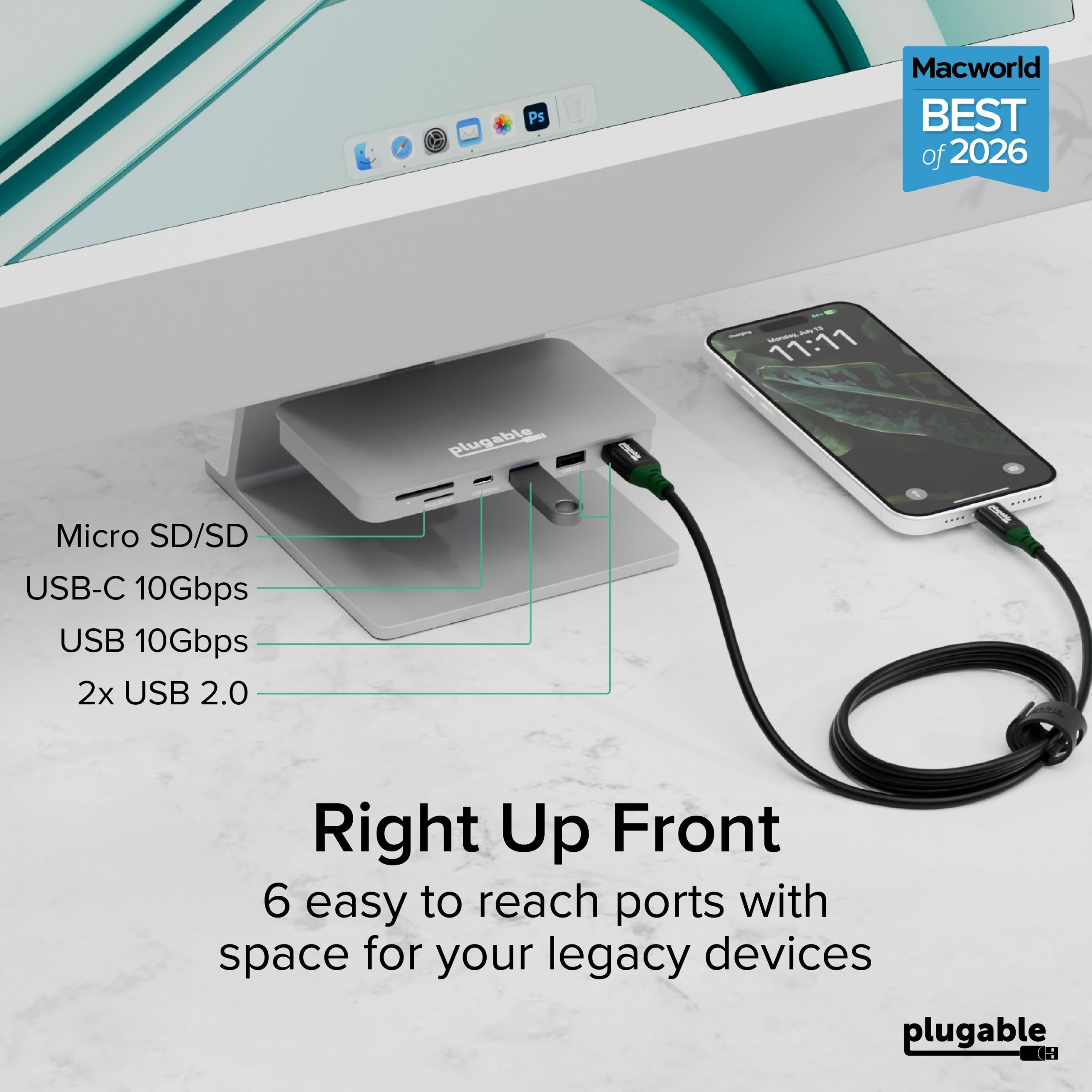
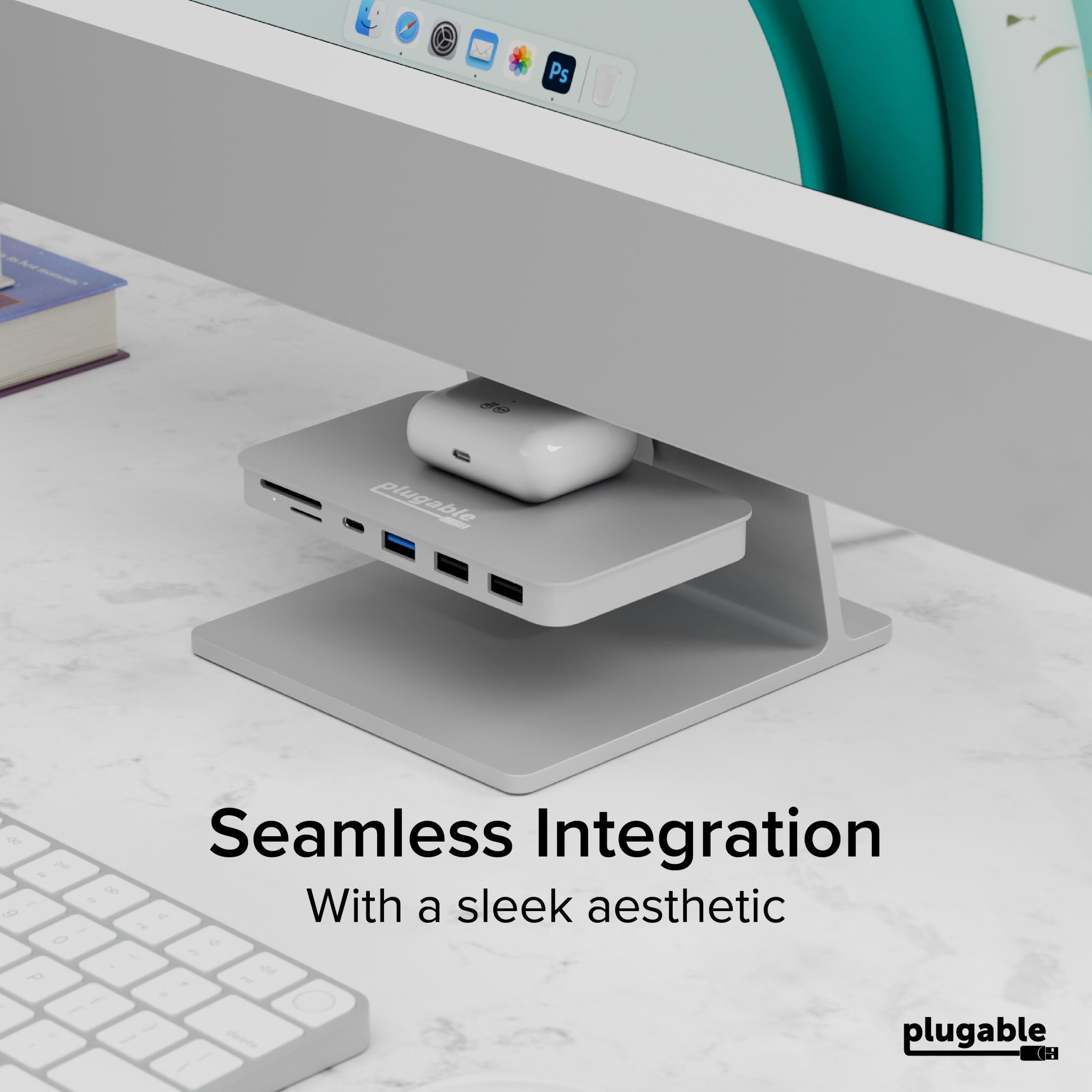
Presenting the Plugable USB-C 6-In-1 Mounted iMac Hub (AD-6IN1) for the 24-inch Apple iMac, a game-changer for keeping essential ports within easy reach. No more fumbling around behind your screen, this innovative hub brings the convenience of 1x USB-C (10Gbps), 1x USB-A (10Gbps), 2x USB 2.0, and both SD and Micro SD card readers and suspends them right beneath your iMac's display. Whether it's connecting high-speed peripherals or transferring data in a flash, this hub ensures your most needed connections are always at hand.
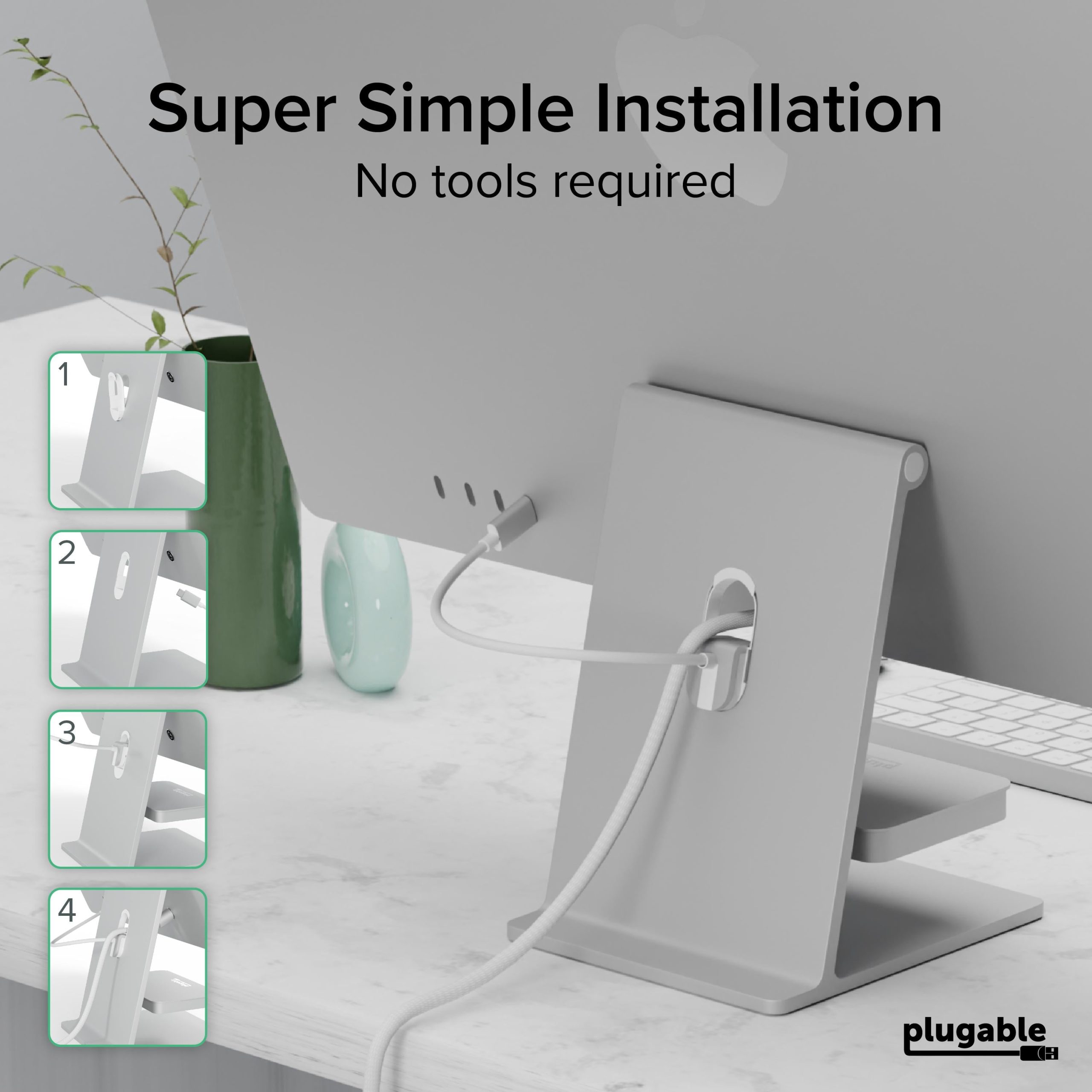
Installation is a breeze with this Plugable USB C Hub, no tools required. Simply insert the included mounting ring into your iMac's cable cutout, hook on the 6-in-1 dock, and connect it to a USB-C port on the back of your iMac. And just like that, you have a powerful expansion solution with a sleek, minimalist aesthetic.
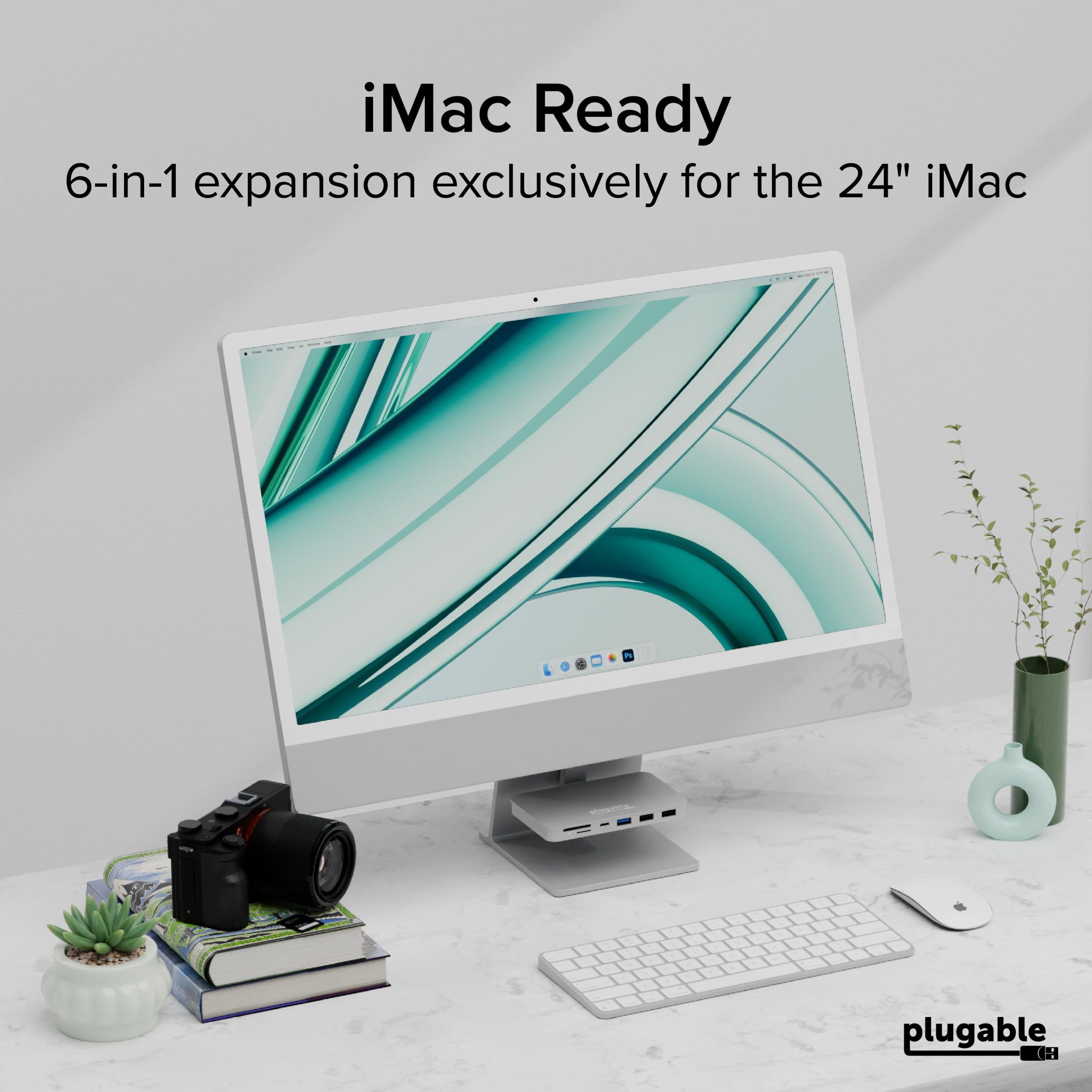
Designed exclusively for the 24-inch Apple iMac, this hub is the perfect solution for users looking to expand their port potential without compromising on design or functionality. Ideal for professional use, creative projects, or everyday tasks, the Plugable USB-C 6-In-1 Mounted Hub is an indispensable addition to your iMac setup
Know the fit
Presenting the Plugable USB-C 6-In-1 Mounted iMac Hub (AD-6IN1) for the 24-inch Apple iMac, a game-changer for keeping essential ports within easy reach. No more fumbling around behind your screen, this innovative hub brings the convenience of 1x USB-C (10Gbps), 1x USB-A (10Gbps), 2x USB 2.0, and both SD and Micro SD card readers and suspends them right beneath your iMac's display. Whether it's connecting high-speed peripherals or transferring data in a flash, this hub ensures your most needed connections are always at hand.
Designed exclusively for the 24-inch Apple iMac, this hub is the perfect solution for users looking to expand their port potential without compromising on design or functionality. Ideal for professional use, creative projects, or everyday tasks, the Plugable USB-C 6-In-1 Mounted Hub is an indispensable addition to your iMac setup
Choose & use with care
Use the exact product listing to compare the intended task, fitting and included components. Product capabilities are specific to the chosen model.
Compare the listed dimensions, capacity and actual option labels with your available space or equipment before ordering.
Use the care and handling directions supplied for the selected product. Contact our team with the SKU if a detail is not stated.
Follow the instructions supplied for the exact product. Features, limits and care directions are specific to the selected model.
Order preparation takes 1–3 business days, followed by 3–4 business days in transit: 4–7 business days in total. Standard shipping is free to the contiguous United States and DC, with no minimum order.
Request a return within 30 calendar days after delivery. We pay return shipping. After receipt, inspection and initiation of an approved refund take 5–7 business days.
Before you decide
List the ports you need. Read the actual item description, included parts and options. The collection contains different models; a feature stated for one item should not be assumed for every product.
Check your operating system. Compare the dimensions and compatibility stated for the selected item with the space or equipment you intend to use. If a required measurement is absent, send the product name or SKU to [email protected] before purchasing.
Available choices are shown on the individual product page. Select the actual option labels before adding a variable product to your cart. Photos and specifications should be read together with that choice; availability is specific to the selected configuration.
Measure the setup. Follow the instructions supplied for the exact model. Do not assume that all items have the same materials, installation method, care directions or intended use.